Clean plates for re-lettering
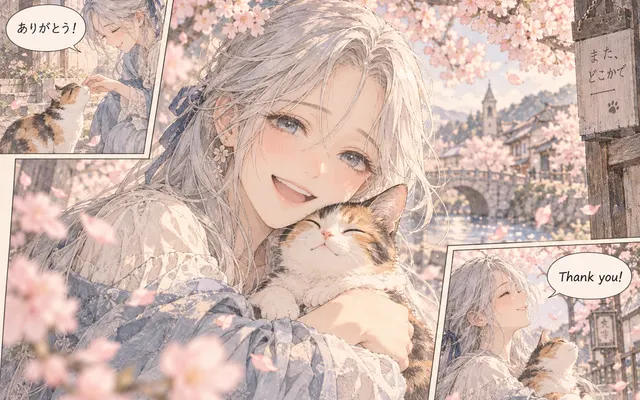
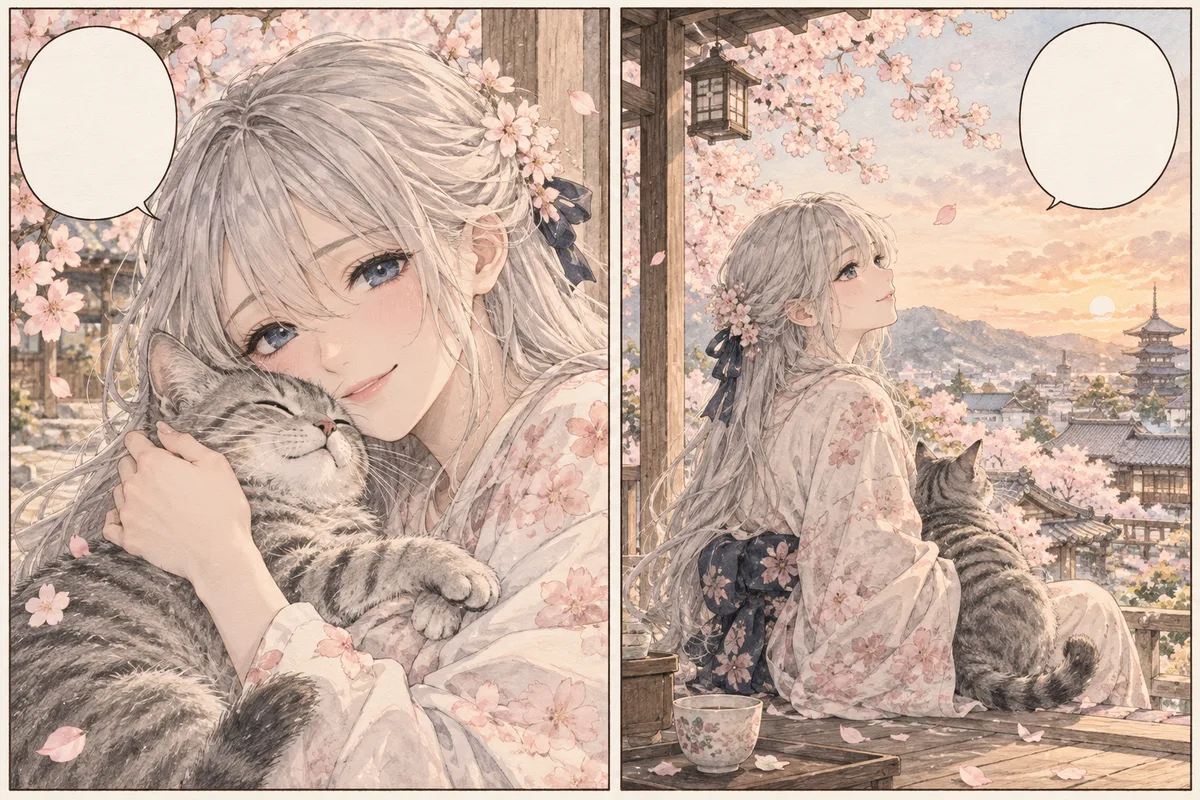
Balloons stay structurally intact and ready for new text.
Create a clean working image for re-lettering or translation by removing visible text glyphs and reconstructing only the smallest area directly covered by lettering. Unlike the translator, which replaces words across languages, the remover clears lettering to leave clean balloons for re-lettering.
HOW IT WORKS
Create a clean working image for re-lettering or translation by removing visible text glyphs and reconstructing only the smallest area directly covered by lettering. Unlike the translator, which replaces words across languages, the remover clears lettering to leave clean balloons for re-lettering.
Upload the manga image with dialogue, captions, or sound-effect text to clear.
Remove dialogue only or all visible lettering depending on the re-lettering plan.
Balloon shapes, tails, and panel borders are preserved while text disappears.
Check each reconstructed area at full size before placing new lettering.
IN PRACTICE
Credits depend on the selected model, resolution, quality and image count. Check the displayed total before generating.

Upload the manga image with dialogue, captions, or sound-effect text to clear.

Remove dialogue only or all visible lettering depending on the re-lettering plan.

Balloon shapes, tails, and panel borders are preserved while text disappears.

Check each reconstructed area at full size before placing new lettering.

Credits depend on the selected model, resolution, quality and image count. Check the displayed total before generating.
FEATURE HIGHLIGHTS
Use the remover whenever you need a clean plate for translation or re-lettering.
Balloons stay structurally intact and ready for new text.
Screentones and background art behind text are reconstructed, not painted over.
Dozens of balloons clear in one pass instead of hours of clone-stamp work.
FEATURE HIGHLIGHTS
Remove visible lettering while preserving balloon shapes, line art, panels, and nearby artwork.
Target dialogue glyphs while keeping balloon outlines, fills, and tails intact.
Remove narration boxes, labels, and visible lettering across the page.
Reconstruct only pixels directly hidden by removed glyphs instead of repainting large regions.
USER FEEDBACK
How creators use this tool before moving into the next manga editing step.
It clears speech-balloon lettering while usually leaving the balloon edge and panel structure easy to inspect.
For re-lettering, the clean page is useful as long as I compare every reconstructed area with the source.
Large sound effects that overlap detailed artwork still need manual cleanup, so I keep the original beside the result.
CHECK BEFORE USE
Credits depend on the selected model, resolution, quality and image count. Check the displayed total before generating.
CHECK BEFORE USE
Yes. Balloon lettering is a strong use case; inspect borders and tails afterward.
It can attempt visible SFX, but artwork-integrated lettering may need manual cleanup.
No. Use Manga Translator for translation.
No. Covered pixels are reconstructed from nearby visual context.
Use a clear scan or export where lettering, balloon edges, and nearby line art are easy to distinguish. Heavy compression and very small text make reconstruction less reliable.
Use text removal when you need a clean page for manual re-lettering. If you only need a translated preview, Manga Translator is the more direct workflow.
Inspect balloon borders, panel lines, faces, hands, screentone, and any artwork that was directly behind the removed text at 100% zoom.
Yes. It can target captions, labels, and other visible lettering outside balloons, but text that overlaps detailed artwork needs closer review because more hidden pixels must be reconstructed.