Skip manual tracing
Usable contours arrive in one pass instead of a full retrace.
Turn a finished color image into a reusable line-art working layer for recoloring, study, or editing without treating the source as a loose redraw reference.
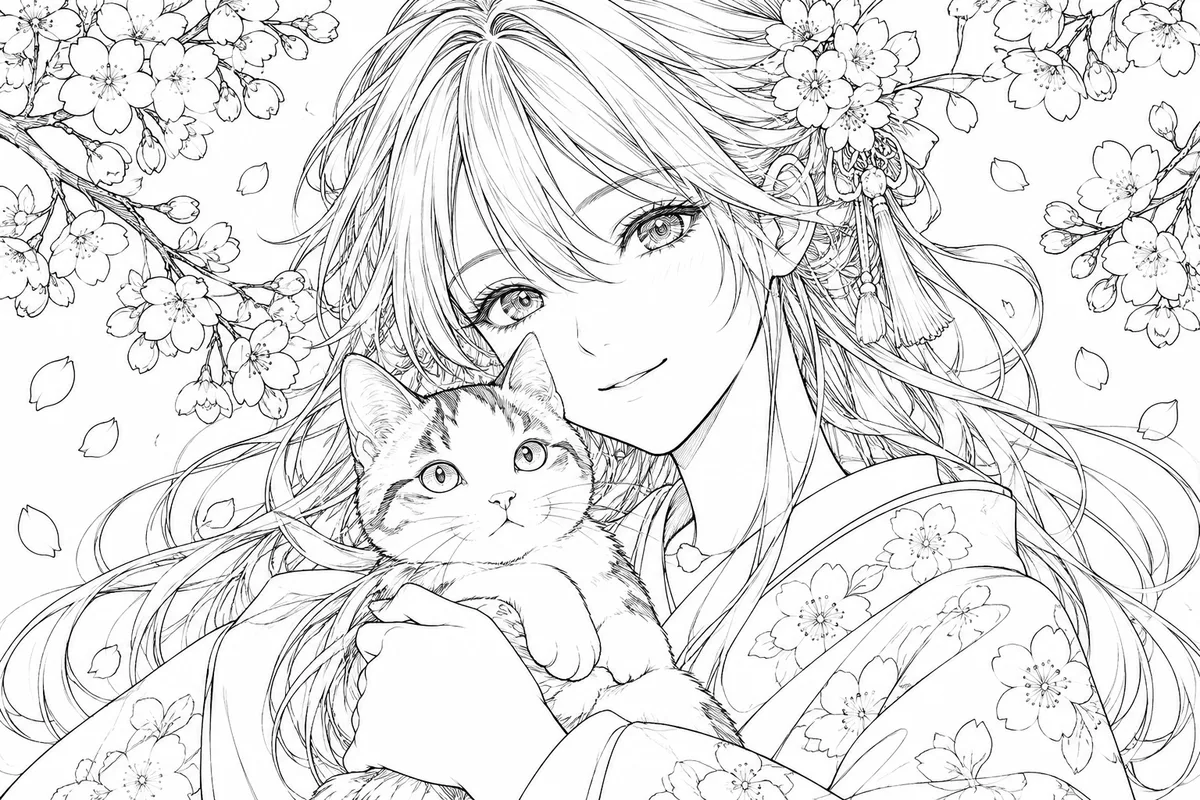
HOW IT WORKS
Turn a finished color image into a reusable line-art working layer for recoloring, study, or editing without treating the source as a loose redraw reference.
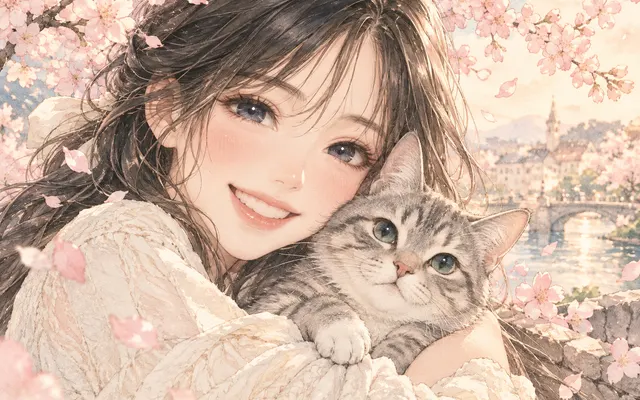
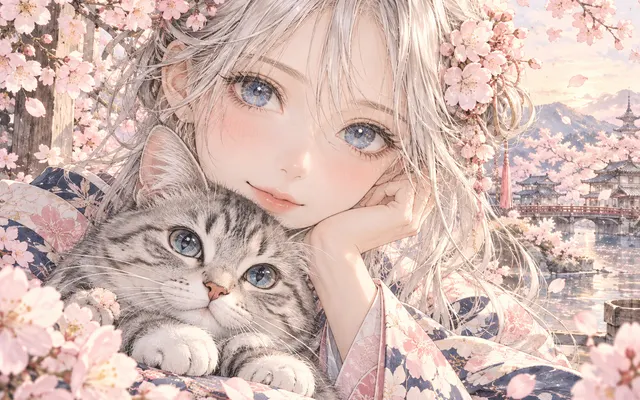
Start from a colored manga or anime-style image with clear contours.
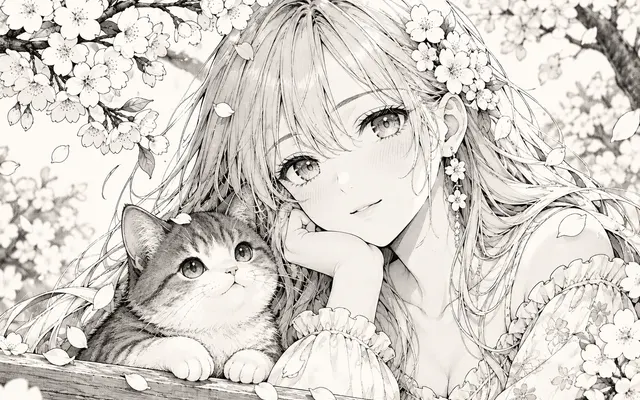
Run extraction to isolate monochrome contours and key interior lines.
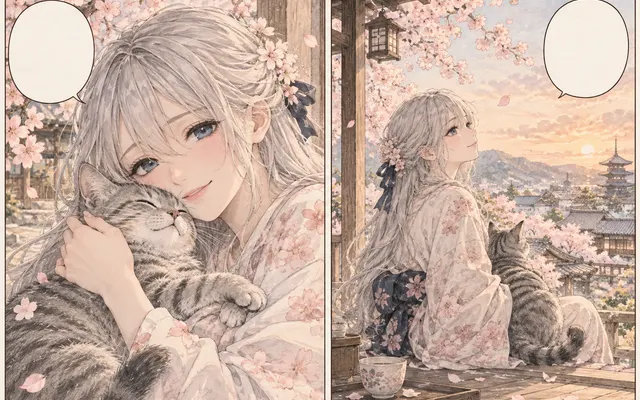
Keep readable text in place or clear it depending on the reuse plan.
Check hair, fingers, and small details at full size before coloring or inking over.
IN PRACTICE
Credits depend on the selected model, resolution, quality and image count. Check the displayed total before generating.

Start from a colored manga or anime-style image with clear contours.

Run extraction to isolate monochrome contours and key interior lines.

Keep readable text in place or clear it depending on the reuse plan.

Check hair, fingers, and small details at full size before coloring or inking over.

Credits depend on the selected model, resolution, quality and image count. Check the displayed total before generating.
FEATURE HIGHLIGHTS
Use the extractor whenever you need colorable line work from finished art.
Usable contours arrive in one pass instead of a full retrace.
Faces, costumes, and composition stay faithful to the source.
Clean monochrome lines drop straight into coloring or screentone workflows.
FEATURE HIGHLIGHTS
Create monochrome line art and compare faces, hair, hands, clothing, panels, and text with the source.
Keep the source composition, identity, anatomy, panels, and important interior contours.
Strip color fills, gradients, and soft painted shading while retaining meaningful drawing lines.
Preserve eyes, hair strands, clothing seams, hatching, and readable lettering when they belong to the drawing.
USER FEEDBACK
How creators use this tool before moving into the next manga editing step.
It gives me a usable monochrome base for recoloring when the source has clear anime-style contours.
Faces and hair usually stay readable, but I still inspect fingers, eyelashes, and broken thin strokes before reuse.
Painterly textures can turn into extra marks, so I treat the result as raster line art that may need a cleanup pass.
CHECK BEFORE USE
Credits depend on the selected model, resolution, quality and image count. Check the displayed total before generating.
CHECK BEFORE USE
Yes. Clear cel-shaded or manga-style sources usually provide the strongest contour cues.
It removes soft shading while preserving useful ink-like detail when possible.
No. The output is raster line art.
Yes. Check gaps, facial features, hands, and fine hair before using it as a coloring layer.
Images with clear contours, readable shapes, and limited motion blur work best. Cel-shaded anime art and clean manga illustrations usually produce more usable lines than painterly images.
Yes, but scan noise, paper gray, and moiré can become unwanted lines. Clean the scan first when those defects are stronger than the original drawing.
Check eyes, mouth, fingers, hair strands, clothing seams, panel borders, and small lettering for missing or extra strokes before recoloring or editing.
No. A black-and-white filter mainly changes color or tone, while line art extraction aims to isolate drawing contours and useful ink-like detail for a reusable line-art layer.