Minutes instead of hours
A full manga treatment lands in one generation instead of a long manual redraw.
Upload a photo, portrait, character image, or illustration and change its visual rendering into a manga-style treatment without turning the task into a new composition.
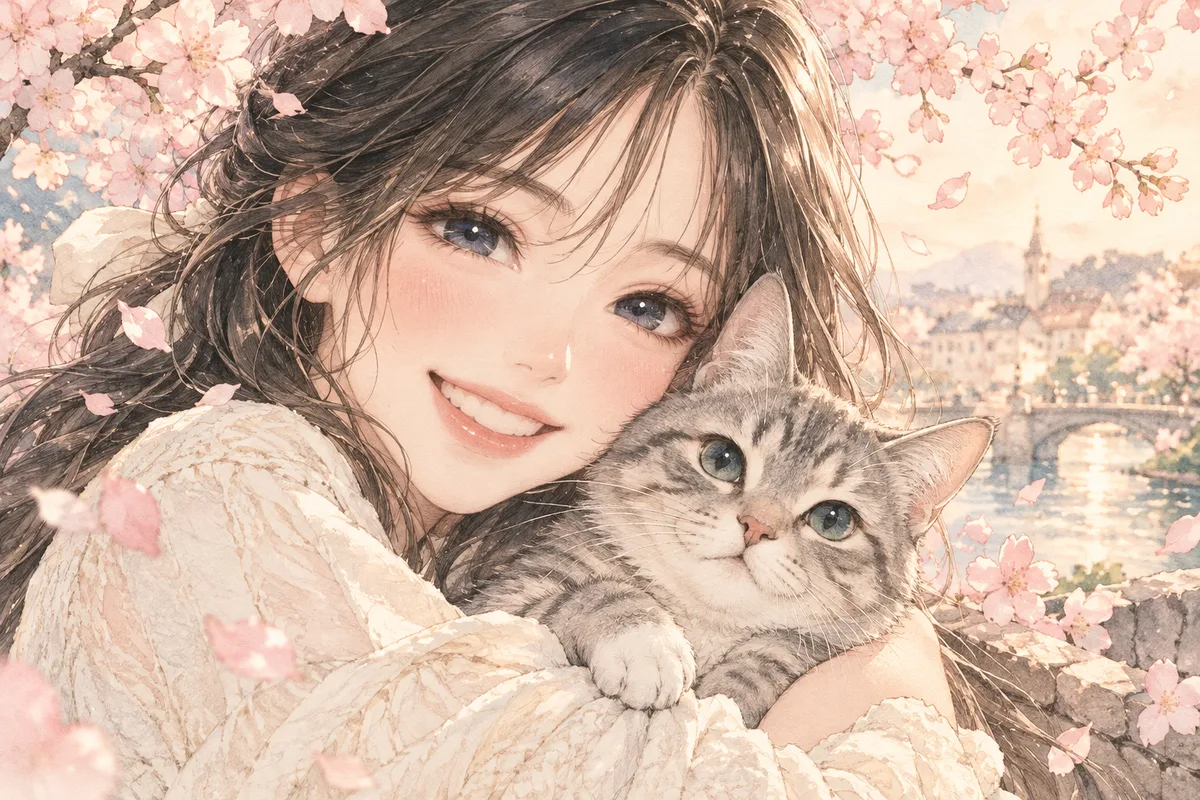
HOW IT WORKS
Upload a photo, portrait, character image, or illustration and change its visual rendering into a manga-style treatment without turning the task into a new composition.
Start from a clear photo or drawing with a readable subject and uncluttered composition.
Choose ink, screentone, monochrome, color-comic, or illustrated styling for the conversion.
Use light for texture, balanced for everyday conversion, or strong for bold graphic looks.
Run the filter, then compare faces, hands, and composition against the source.
IN PRACTICE
Credits depend on the selected model, resolution, quality and image count. Check the displayed total before generating.

Start from a clear photo or drawing with a readable subject and uncluttered composition.

Choose ink, screentone, monochrome, color-comic, or illustrated styling for the conversion.

Use light for texture, balanced for everyday conversion, or strong for bold graphic looks.

Run the filter, then compare faces, hands, and composition against the source.

Credits depend on the selected model, resolution, quality and image count. Check the displayed total before generating.
FEATURE HIGHLIGHTS
Use the filter whenever you need a manga look in minutes instead of hours of manual inking.
A full manga treatment lands in one generation instead of a long manual redraw.
The source framing and subject placement survive the stylization.
Try ink, tone, and color-comic treatments side by side before committing.
FEATURE HIGHLIGHTS
Choose a manga style and strength, then compare identity and small details with the source.
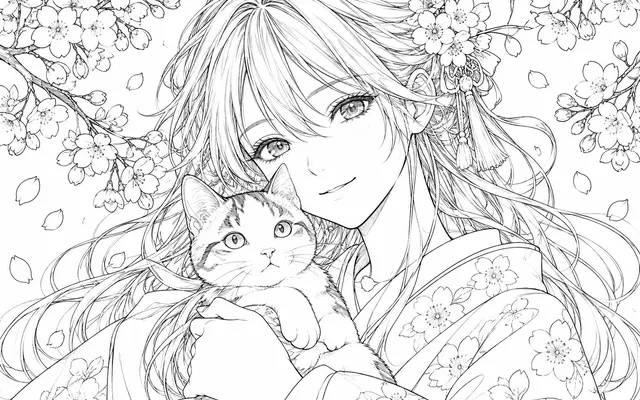
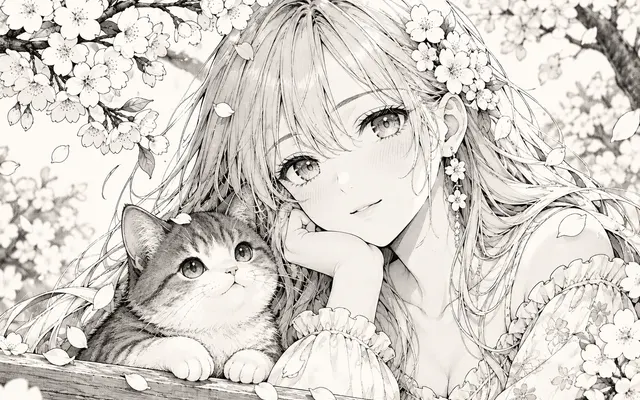
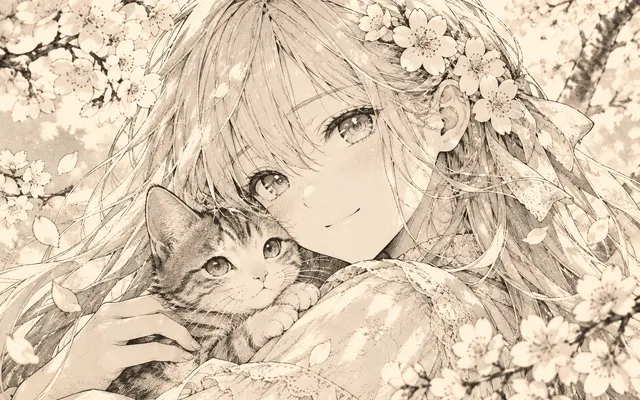
Use stronger black contours and restrained gray values for a printed manga direction.
Keep more of the source palette while flattening shading into a comic treatment.
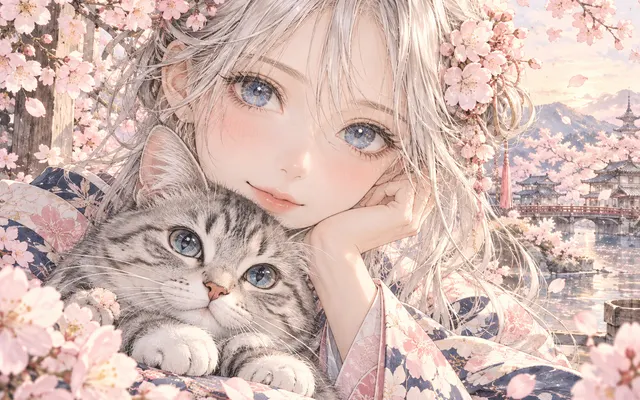
Use softer edges and stylized rendering for covers, portraits, and character cards.
USER FEEDBACK
How creators use this tool before moving into the next manga editing step.
The ink and screentone styles give clean drawings a convincing printed-manga direction without changing the whole composition.
Comparing a softer color-comic pass with a stronger ink pass helps me choose a style before committing.
Busy photos need a lighter strength, but portraits and clear illustrations are easy to test and compare.
CHECK BEFORE USE
Credits depend on the selected model, resolution, quality and image count. Check the displayed total before generating.
CHECK BEFORE USE
Yes. Choose a treatment that preserves more of the source palette when color matters.
Not always. Compare eyes, mouth, hair, hands, and small accessories after filtering.
No. This tool changes visual style; the colorizer adds color to existing black-and-white manga.
Check identity, text, hands, props, and line edges against the source.
Use a clear subject with visible facial features or readable shapes. Simple backgrounds usually preserve identity better than crowded scenes.
Yes. Choose an ink or monochrome direction, then inspect eyes, hair edges, hands, and any visible text against the source.
Start with a gentle or balanced setting. Stronger styles can look more dramatic but may redraw identity, accessories, and small details.
Only use images you own or have permission to transform, and review the result carefully before delivery or publication.