Defects shrink, art stays
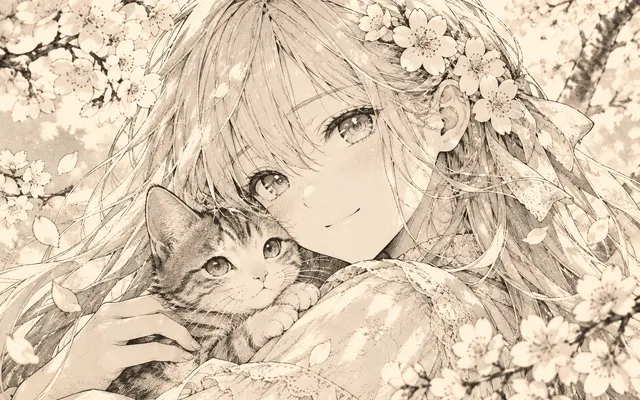
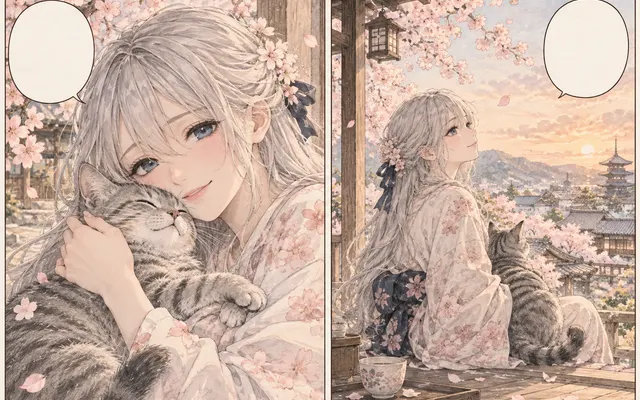
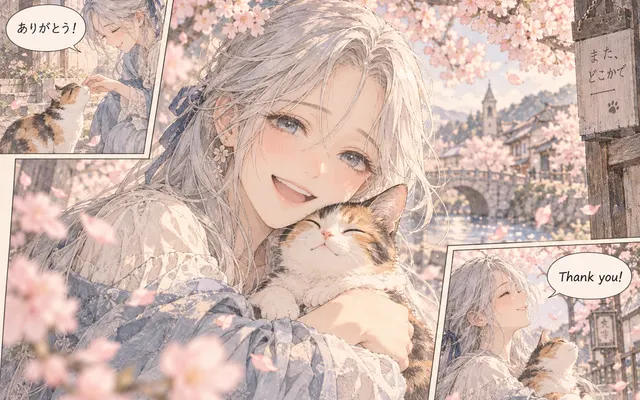
Dust, gray paper, and bands fade while line weight and tone patterns hold.
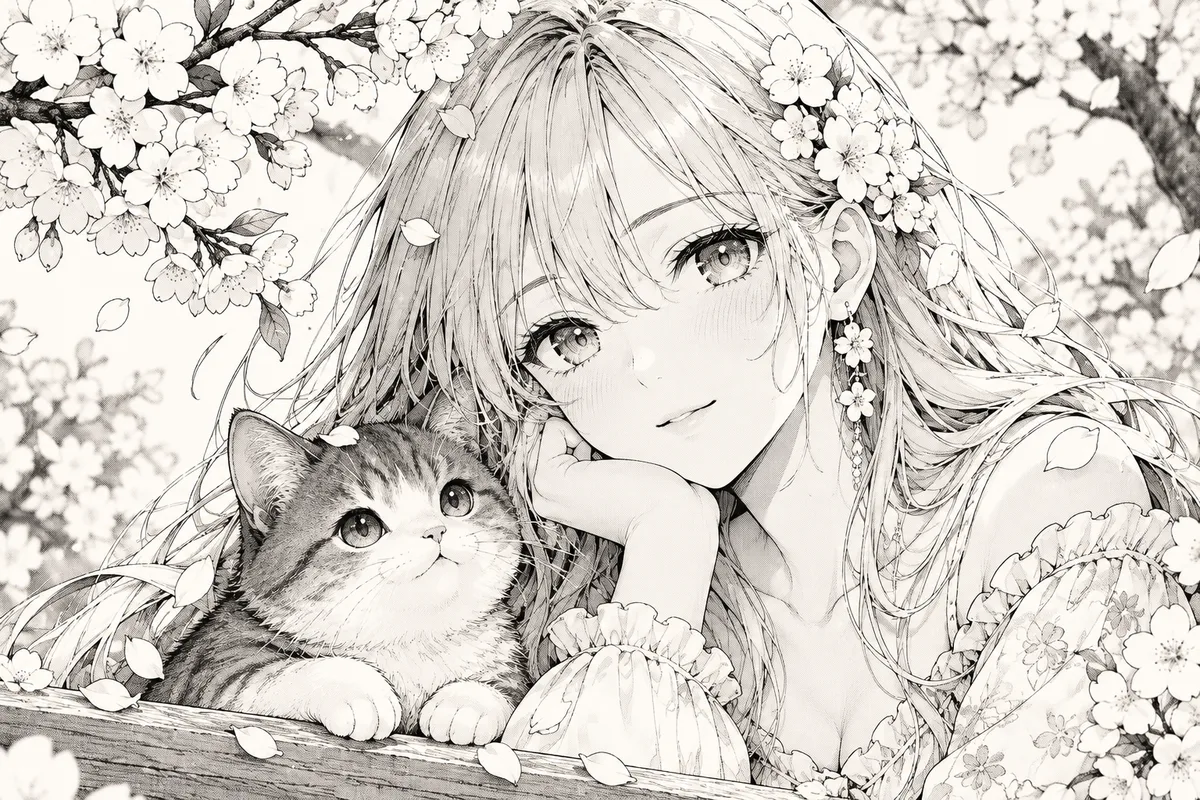
Clean a scanned manga page before lettering, restoration, or upscaling. The tool targets scan defects rather than redrawing the artwork. Unlike restoration, which repairs physical damage, the cleaner targets only non-artwork noise such as dust, gray paper, and moiré.
HOW IT WORKS
Clean a scanned manga page before lettering, restoration, or upscaling. The tool targets scan defects rather than redrawing the artwork. Unlike restoration, which repairs physical damage, the cleaner targets only non-artwork noise such as dust, gray paper, and moiré.
Upload the unscanned-edit: gray paper, dust, and bands are exactly what the cleaner targets.
Choose auto clean, moiré removal, dust and stains, or bleed-through suppression.
Preserve tones for shaded pages or crisp black-and-white for pure line work.
Zoom to 100% on fine lines, small text, and screentone before moving to the next stage.
IN PRACTICE
Credits depend on the selected model, resolution, quality and image count. Check the displayed total before generating.

Upload the unscanned-edit: gray paper, dust, and bands are exactly what the cleaner targets.

Choose auto clean, moiré removal, dust and stains, or bleed-through suppression.

Preserve tones for shaded pages or crisp black-and-white for pure line work.

Zoom to 100% on fine lines, small text, and screentone before moving to the next stage.

Credits depend on the selected model, resolution, quality and image count. Check the displayed total before generating.
FEATURE HIGHLIGHTS
Clean before translating, re-lettering, or upscaling so defects don't get baked into later stages.
Dust, gray paper, and bands fade while line weight and tone patterns hold.
Clean pages translate, upscale, and re-letter with fewer artifacts.
Cleanup never invents new art; it only suppresses non-artwork noise.
FEATURE HIGHLIGHTS
Choose the cleanup mode and contrast target, then inspect thin lines and screentones.
Reduce dust, isolated specks, paper gray, compression dirt, and scanner bands.
Keep intentional halftone, hatching, speed lines, lettering, and panel borders as protected content.
Create a calmer source for lettering, restoration, or final enlargement.
USER FEEDBACK
How creators use this tool before moving into the next manga editing step.
It helps separate paper gray, dust, and compression dirt from the actual line art on old scans.
I start with gentle cleanup because stronger descreening can soften hatching and fine screentone.
I use it before lettering or restoration, not as a text eraser, and that keeps the workflow predictable.
CHECK BEFORE USE
Credits depend on the selected model, resolution, quality and image count. Check the displayed total before generating.
CHECK BEFORE USE
No. Cleaner targets scan defects; use Manga Text Remover for lettering removal.
Only when scan moiré is more distracting than the original screentone.
Check hairlines, hatching, small text, balloon edges, and dense screentone at 100%.
Use Manga Restoration for tears, missing areas, and damaged linework.
It is designed for dust, gray paper, small specks, scanner bands, compression dirt, and unwanted moiré from the scan process.
Use cleanup to balance the page, but compare solid blacks, fine hatching, and small text so important artwork is not flattened.
Yes when dirt, paper gray, or moiré would be enlarged or confuse repair. Fix true tears and missing artwork with restoration afterward.
It aims to preserve intentional screentone, but dense tones should be checked at 100% because aggressive cleanup can soften or break patterns.