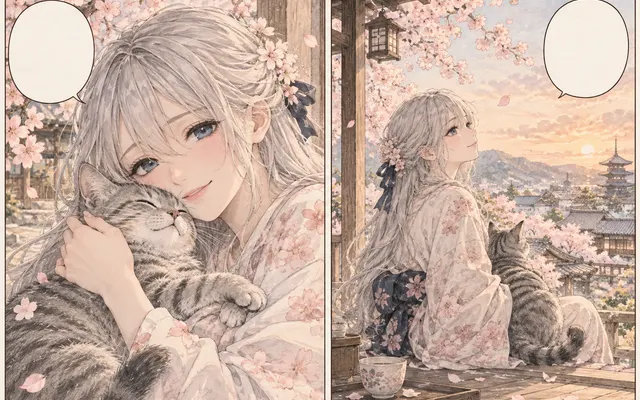
Keep panel art untouched
Lettering is replaced without redrawing characters, backgrounds, or screentones.
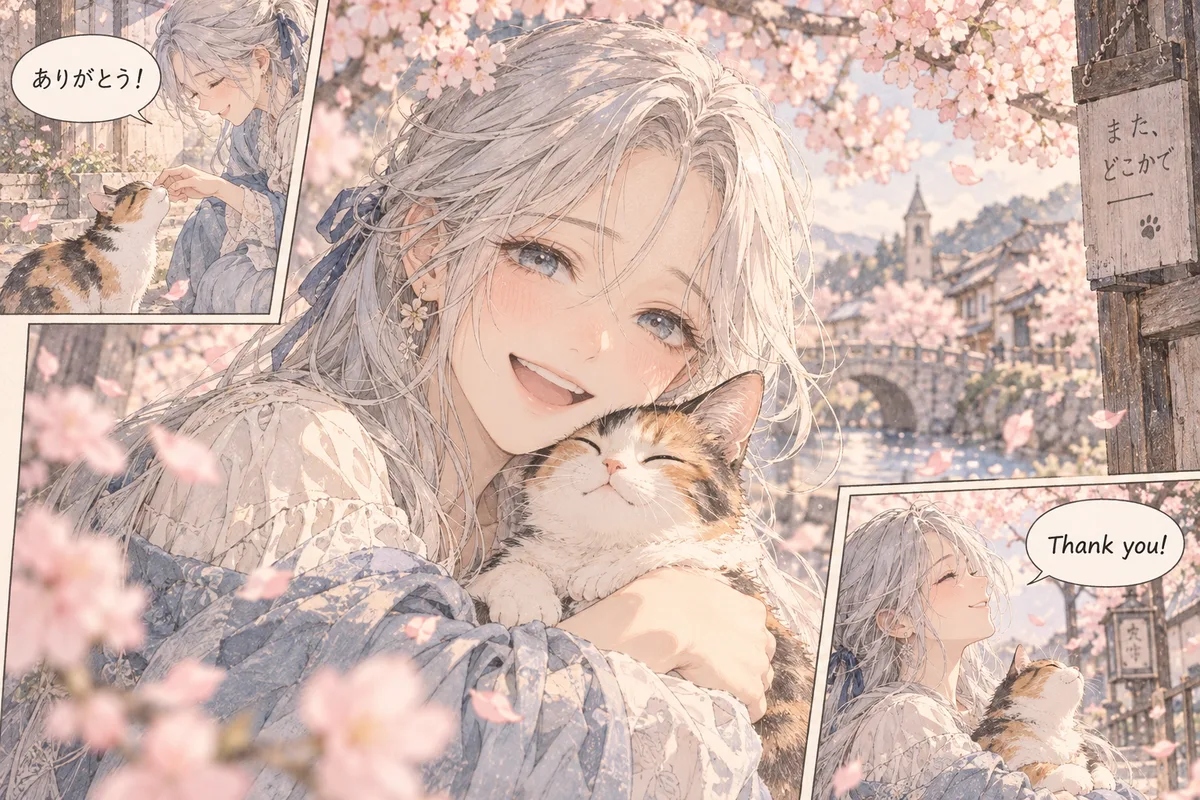
Upload one manga image, choose the target language and preview mode, then review a generated translation draft before proofreading or final typesetting. Unlike the remover, which only clears text, the translator carries dialogue and sound effects into a new language with the artwork intact.
HOW IT WORKS
Upload one manga image, choose the target language and preview mode, then review a generated translation draft before proofreading or final typesetting. Unlike the remover, which only clears text, the translator carries dialogue and sound effects into a new language with the artwork intact.
Upload one manga page with visible panels, balloons, and lettering at a resolution where small text stays legible.
Pick the translation language and confirm the reading order matches the source before generating.
Choose replace or bilingual lettering, and decide whether sound effects stay original or translate when clear.
Run the translation, then check character names, honorifics, and terminology against your glossary.
Adjust overflowing balloons and tiny text, then compare with the source before final export.
IN PRACTICE
Credits depend on the selected model, resolution, quality and image count. Check the displayed total before generating.

Upload one manga page with visible panels, balloons, and lettering at a resolution where small text stays legible.

Pick the translation language and confirm the reading order matches the source before generating.

Choose replace or bilingual lettering, and decide whether sound effects stay original or translate when clear.

Run the translation, then check character names, honorifics, and terminology against your glossary.

Adjust overflowing balloons and tiny text, then compare with the source before final export.
FEATURE HIGHLIGHTS
Use the translator whenever the artwork is finished and only the words need to cross languages.
Lettering is replaced without redrawing characters, backgrounds, or screentones.
Keep iconic effects original or translate them only when the meaning is unambiguous.
Review source and translation side by side before committing to final lettering.
FEATURE HIGHLIGHTS
Choose a target language and preview mode, then compare the result with the source.
Preserve panels, characters, balloons, backgrounds, and the original drawing while changing the lettering treatment.
Keep source lettering visible for comparison or place a translated reference beside the original text area.
Handwriting, small furigana, curved lettering, names, and sound effects still need a human check.
USER FEEDBACK
How creators use this tool before moving into the next manga editing step.
I use the translation preview to check whether a speech balloon has enough room before I start final lettering.
Keeping panel structure visible helps me spot a line that became too long after translation.
It gives me a useful draft quickly, but I still verify names, furigana, and sound effects before publishing.
CHECK BEFORE USE
Credits depend on the selected model, resolution, quality and image count. Check the displayed total before generating.
CHECK BEFORE USE
Not in one batch. Start with representative pages and review terminology before continuing.
Use the preview mode that best fits your review workflow; always compare the result with the source.
Handwritten text, furigana, curved lettering, names, and stylized sound effects.
Use it as a translation draft and proofread before final typesetting.
Use a clear page where speech bubbles, captions, and small lettering are readable. Skewed photos, shadows, and heavy compression make OCR and bubble fit less reliable.
It can attempt them, but vertical text, furigana, handwritten notes, and stylized sound effects need manual review after generation.
Keep the source visible when checking terminology, names, and reading order. Use a cleaner page only when you are ready for manual re-lettering.
Verify rights, names, honorifics, sound effects, reading order, bubble fit, and any cultural wording that may need a human translator.