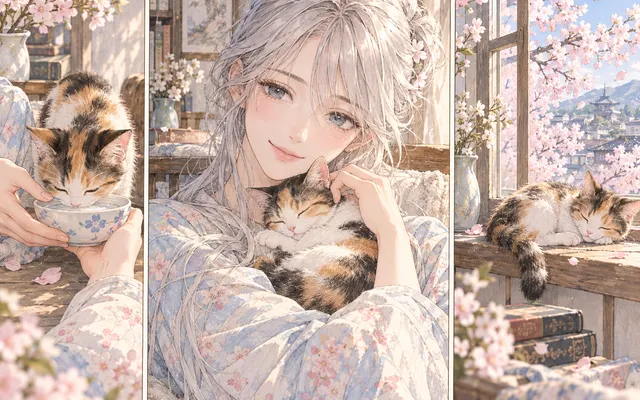
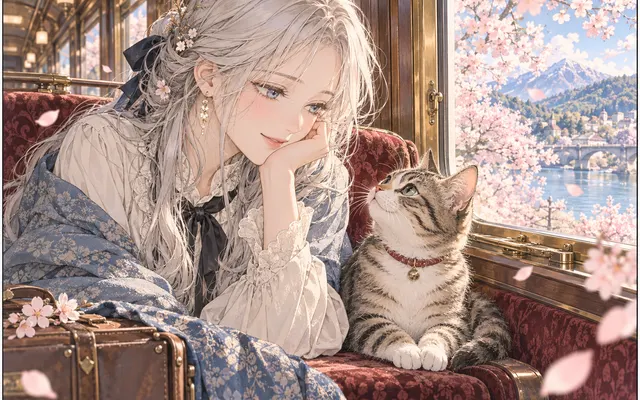
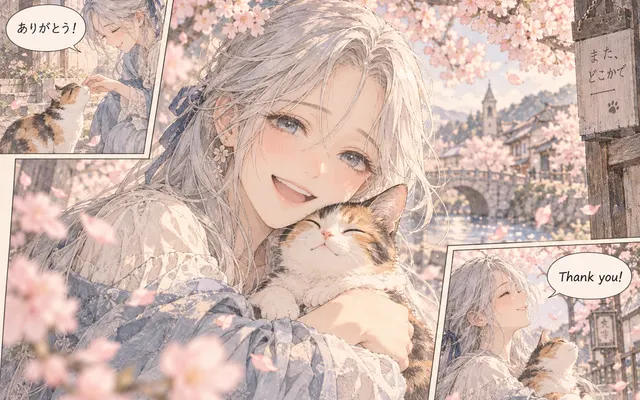
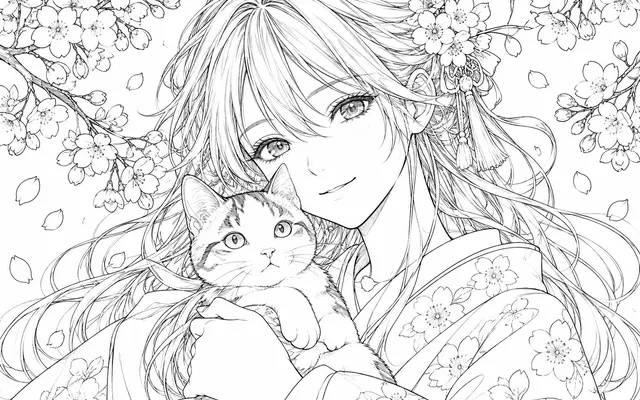
Likeness from the photo
Hair, clothing and pose remain recognisable after conversion.
Upload a clear portrait photo and turn it into an anime illustration with recognizable hair, clothing and pose. Keep the original image for comparison.
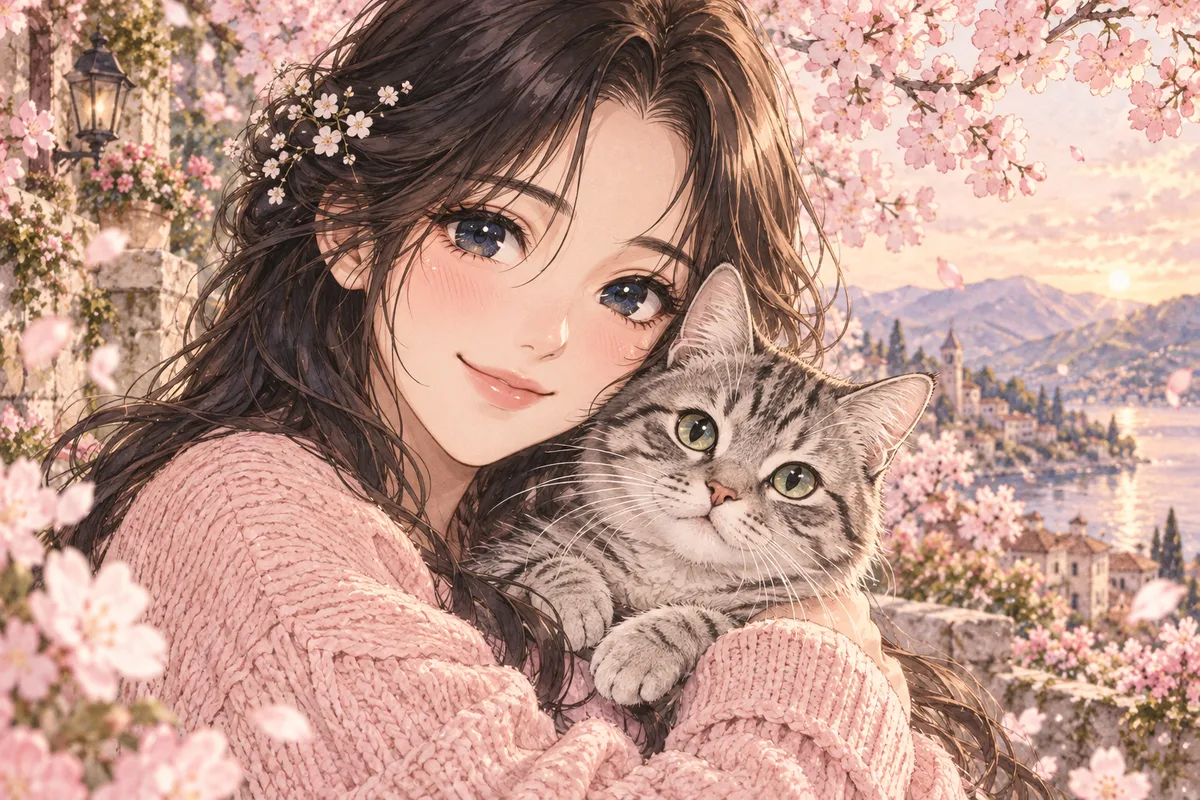
HOW IT WORKS
Upload a clear portrait photo and turn it into an anime illustration with recognizable hair, clothing and pose. Keep the original image for comparison.
Upload a clear portrait photo and turn it into an anime illustration with recognizable hair, clothing and pose. Use a clear PNG, JPG or WebP image you own or have permission to edit.
Upload a clear portrait photo and turn it into an anime illustration with recognizable hair, clothing and pose. Keep the original image for comparison.
Upload a clear portrait photo and turn it into an anime illustration with recognizable hair, clothing and pose. Inspect the result before downloading. AI can change fine details.
HOW IT WORKS
Three steps to keep the photo recognisable.
Prefer a sharp face, even lighting and an uncluttered background. A blurry photo will not improve through conversion.
Name the facial features, hairstyle and clothing that must stay identical to the source.
Zoom into eyes, teeth and accessories; that is where conversion tends to invent detail.
IN PRACTICE
Sign in to generate. The tool uses credits; previewing this page is free.
Upload a clear portrait photo and turn it into an anime illustration with recognizable hair, clothing and pose. Use a clear PNG, JPG or WebP image you own or have permission to edit.
FEATURE HIGHLIGHTS
Use photo-to-anime when the input is a clear portrait rather than a full scene.
Hair, clothing and pose remain recognisable after conversion.
A sharp face with visible features converts far better than a group shot.
Results suit avatars and profile images.
FEATURE HIGHLIGHTS
Upload a clear portrait photo and turn it into an anime illustration with recognizable hair, clothing and pose.
Upload a clear portrait photo and turn it into an anime illustration with recognizable hair, clothing and pose.
Inspect the result before downloading. AI can change fine details.
Keep the original image for comparison.
CHECK BEFORE USE
Sign in to generate. The tool uses credits; previewing this page is free.
CHECK BEFORE USE
Upload a clear PNG, JPG or WebP image.
Upload a clear portrait photo and turn it into an anime illustration with recognizable hair, clothing and pose.
No. Inspect faces, hands, ink contours and lettering after generation.
For coloring, choose a style in the generator. For conversion, describe the visual treatment in the prompt.
Browsing and previewing examples is free. Generation uses account credits; check the displayed cost before submitting.
Yes. Sign in to upload an image and generate a result.
No. Export PDF pages as images first, then upload the images.
Compare the result with the source, especially expressions, text and small accessories.