Focus on one moment
The panel's expression, lighting and atmosphere drive the result.
A manga panel colorizer lets you test color on one scene. Crop the panel in your image editor before upload, choose a style, and describe its palette and lighting. Review the generated expression, ink lines, and speech bubbles against the source before placing the downloaded panel into your page manually.
HOW IT WORKS
A manga panel colorizer lets you test color on one scene. Crop the panel in your image editor before upload, choose a style, and describe its palette and lighting. Review the generated expression, ink lines, and speech bubbles against the source before placing the downloaded panel into your page manually.
Crop one panel with its border and any dialogue you need to keep. Sign in and upload the crop as PNG, JPG, or WebP.
Choose a style and describe the character colors, lighting direction, and scene mood. Confirm the credit cost before generating.
Generate the color draft, compare it with your crop at full size, then download it after reviewing expressions, outlines, and dialogue.
HOW IT WORKS
Three steps to colour one panel without disturbing the page.
Cut the panel with a small margin around its border, then open the image at full size before generating.
Say where the light comes from and whether the scene is calm, tense, or dreamlike. These notes guide the result, but the interpretation still needs review.
Put the panel back on the original page and confirm its colour does not jump out beside neighbouring panels.
IN PRACTICE
Sign in to generate. The tool uses credits; previewing this page is free.
Crop one panel with its border and any dialogue you need to keep. Sign in and upload the crop as PNG, JPG, or WebP.
FEATURE HIGHLIGHTS
Use single-panel colouring when a crop needs its own light and mood.
The panel's expression, lighting and atmosphere drive the result.
Process a crop while keeping your untouched full-page source for manual placement and comparison.
Useful for covers, spot illustrations and social crops.
FEATURE HIGHLIGHTS
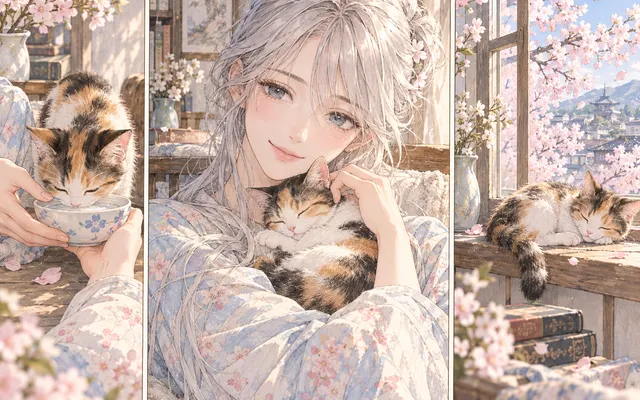
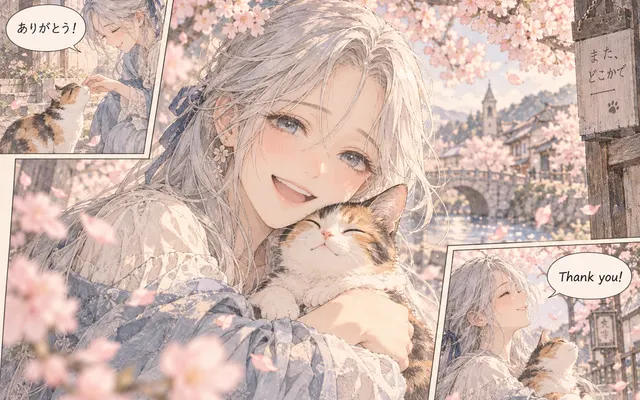
Crop one manga panel and focus the color treatment on its expression, lighting and atmosphere.
Give the model one cropped scene, then check whether the eyes, mouth, hands, and pose still match your original.
Describe the light direction and palette. Check that the added shadows do not hide thin outlines or speech-bubble text.
Download the reviewed image and place it back into your page with an image editor. This tool does not reassemble the page automatically.
CHECK BEFORE USE
Sign in to generate. The tool uses credits; previewing this page is free.
CHECK BEFORE USE
Upload a clear PNG, JPG or WebP image.
Upload one panel cropped beforehand in an image editor. Include its border and any dialogue that should remain. Use the full-page coloring workflow instead when you want to color all panels together.
AI can change expressions, hands, fine contours, accessories, and lettering. Compare the draft with the cropped source before using it, even when the overall palette looks right.
Choose a coloring style and describe the palette, light direction, and atmosphere. Name the colors that matter to the character and keep the original pose and composition as the reference.
Examples are free to browse. The free plan offers signup trial credits; see Pricing for the current allowance and expiry. Generating your panel uses the displayed credit cost, with paid credits available for further use.
Yes. Sign in to upload an image and generate a result.
No. Crop the panel before upload, then place the reviewed download back into your page using an image editor. Only the uploaded image is processed; the full original page is not automatically reconstructed.
Reuse your approved character colors and the page's lighting notes. Compare the downloaded panel beside its neighbors and correct visible palette shifts manually. Matching colors across separate generations is not guaranteed.