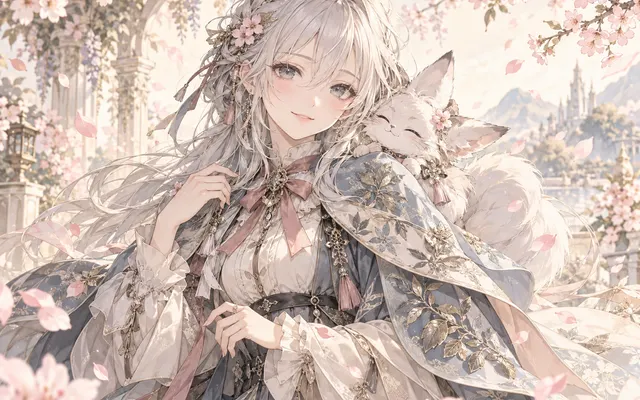
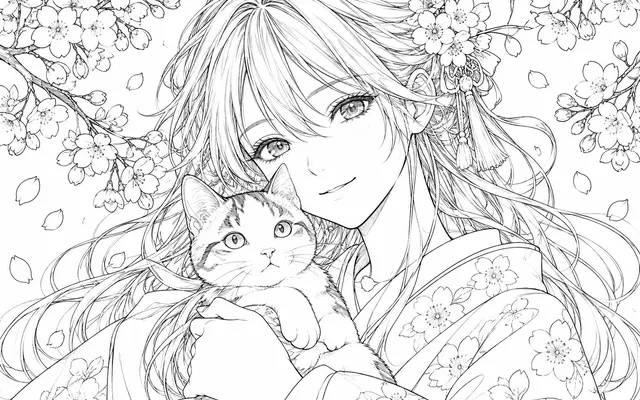
Direction is unambiguous
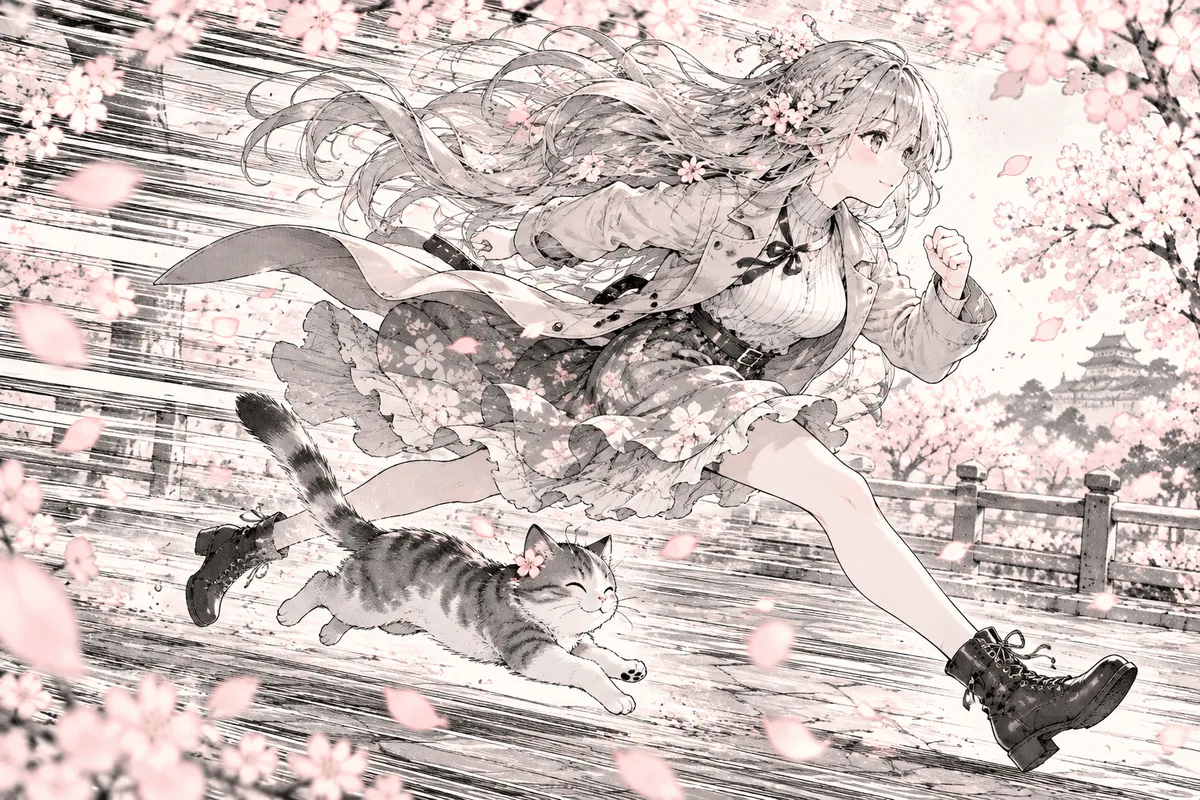
Lines converge on the moving subject.
Add directional motion lines around the subject in a manga panel to make an action easier to read. State motion direction, line intensity and areas to leave clear.
HOW IT WORKS
Add directional motion lines around the subject in a manga panel to make an action easier to read. State motion direction, line intensity and areas to leave clear.
Keep the original reference and use artwork you own or have permission to edit. Add directional motion lines around the subject in a manga panel to make an action easier to read.
State motion direction, line intensity and areas to leave clear.
State motion direction, line intensity and areas to leave clear. Check the focal subject, small details and the requested layout at full size. Download a satisfactory result and finish any exact lettering or corrections in your image editor.
HOW IT WORKS
Three steps to speed lines that serve the panel.
Mark exactly what is moving and where it comes from. Without that the lines read as random.
Decide whether this is a single punch, a run or a fall, and match the density to it.
Shrink the panel to its real size and confirm the lines do not hide the character's silhouette.
IN PRACTICE
Sign in to generate. Generation uses credits; check the model and displayed price before submitting.
Keep the original reference and use artwork you own or have permission to edit. Add directional motion lines around the subject in a manga panel to make an action easier to read.
FEATURE HIGHLIGHTS
Use the speed-line generator when a panel needs direction and momentum.
Lines converge on the moving subject.
Sparse or dense hatching suits the scene's energy.
Effects are drawn without inventing text.
FEATURE HIGHLIGHTS
Add directional motion lines around the subject in a manga panel to make an action easier to read.
Add directional motion lines around the subject in a manga panel to make an action easier to read.
State motion direction, line intensity and areas to leave clear.
State motion direction, line intensity and areas to leave clear. Check the focal subject, small details and the requested layout at full size.
CHECK BEFORE USE
Sign in to generate. Generation uses credits; check the model and displayed price before submitting.
CHECK BEFORE USE
Keep the original reference and use artwork you own or have permission to edit.
State motion direction, line intensity and areas to leave clear.
State motion direction, line intensity and areas to leave clear. Check the focal subject, small details and the requested layout at full size.
The result is one raster image. Separate layers, editable vectors, transparent overlays and print-ready production files are not provided.
Sign in to generate. Generation uses credits; check the model and displayed price before submitting.
State motion direction, line intensity and areas to leave clear. AI may alter details or miss instructions. Review the result before using it in a finished project.
Generated motion lines may cover or redraw parts of the original subject.
Download a satisfactory result and finish any exact lettering or corrections in your image editor.