From text or a reference
Describe the character from scratch or anchor it to a reference image.
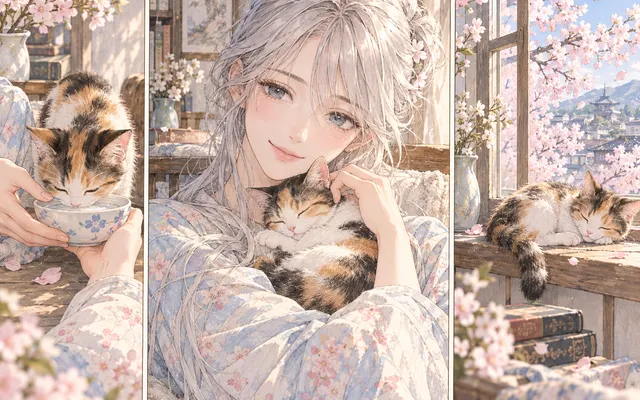
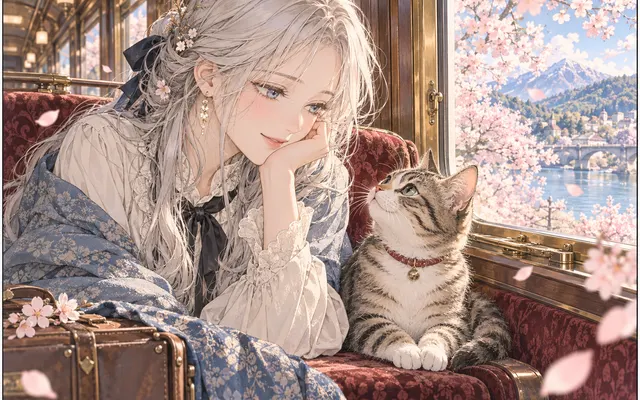
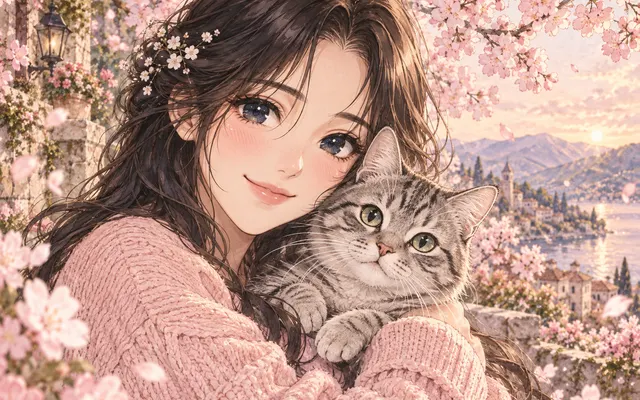
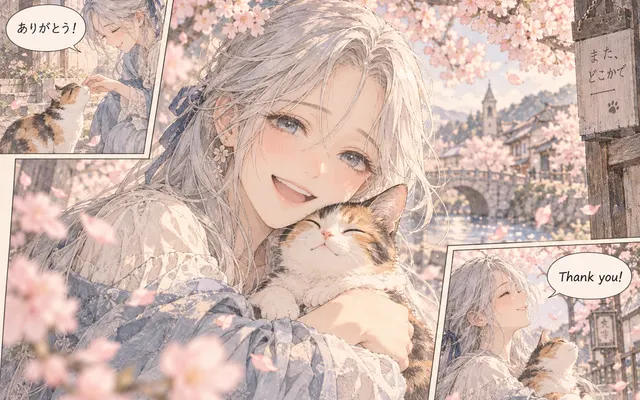
Design an original anime character from a reference image, or use the text generator to describe your OC from scratch. Keep the original image for comparison.
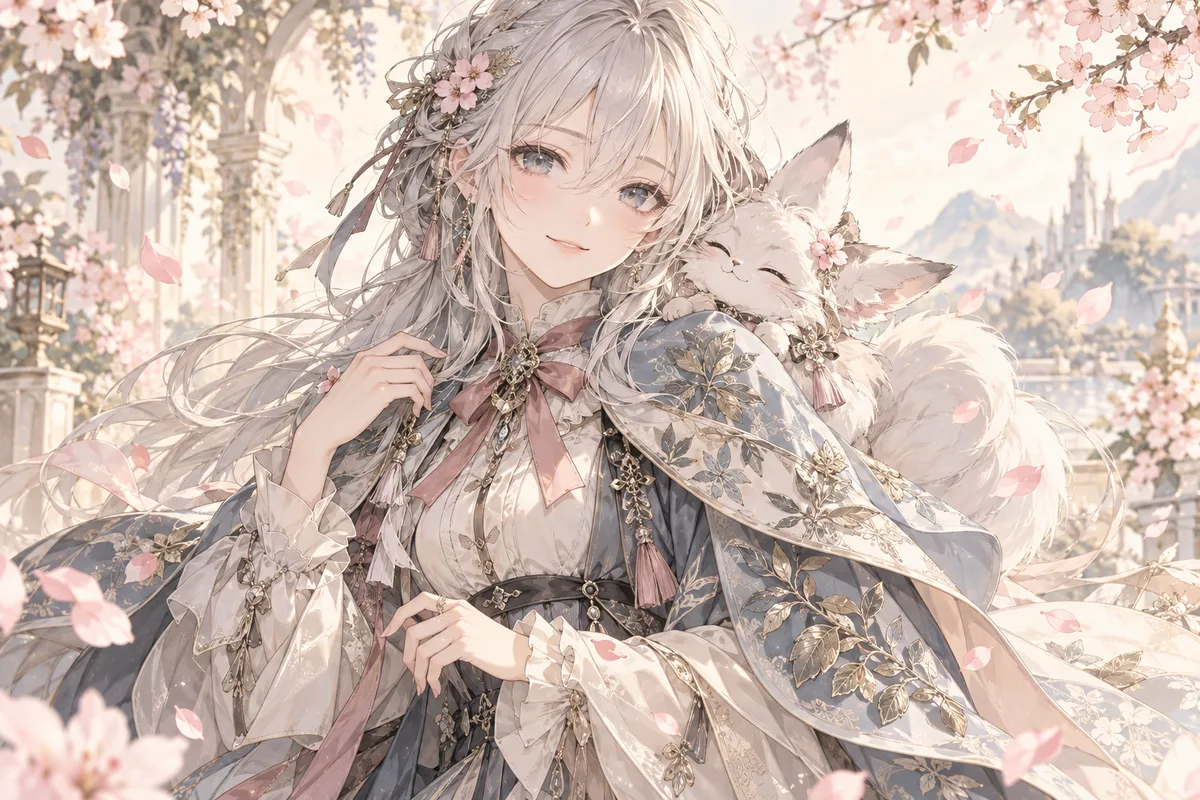
HOW IT WORKS
Design an original anime character from a reference image, or use the text generator to describe your OC from scratch. Keep the original image for comparison.
Design an original anime character from a reference image, or use the text generator to describe your OC from scratch. Use a clear PNG, JPG or WebP image you own or have permission to edit.
Design an original anime character from a reference image, or use the text generator to describe your OC from scratch. Keep the original image for comparison.
Design an original anime character from a reference image, or use the text generator to describe your OC from scratch. Inspect the result before downloading. AI can change fine details.
HOW IT WORKS
Three steps to a character you can actually use.
Note age, build, personality and basic clothing. Without these the result tends to look random.
Attach a drawing or photo that shows the style you want, and say whether the face must be preserved.
Count the fingers, judge arm length and the gap between the eyes before moving to a final design.
IN PRACTICE
Sign in to generate. The tool uses credits; previewing this page is free.
Design an original anime character from a reference image, or use the text generator to describe your OC from scratch. Use a clear PNG, JPG or WebP image you own or have permission to edit.
FEATURE HIGHLIGHTS
Use the character generator when you need a new OC rather than an edit of an existing one.
Describe the character from scratch or anchor it to a reference image.
The design is legible at thumbnail size before detail is added.
Plausible anatomy and natural hands reduce cleanup later.
FEATURE HIGHLIGHTS
Design an original anime character from a reference image, or use the text generator to describe your OC from scratch.
Design an original anime character from a reference image, or use the text generator to describe your OC from scratch.
Inspect the result before downloading. AI can change fine details.
Keep the original image for comparison.
CHECK BEFORE USE
Sign in to generate. The tool uses credits; previewing this page is free.
CHECK BEFORE USE
Start with a text description, or switch to image-to-image and add a PNG, JPG or WebP reference.
Use the text-to-image mode to describe your OC’s appearance, costume and setting. Switch to image-to-image to develop a character from a reference image.
No. Inspect faces, hands, ink contours and lettering after generation.
Describe the OC’s hairstyle, costume, silhouette, mood and setting. Try cel shading, watercolor anime or soft illustrated lighting.
Browsing and previewing examples is free. Generation uses account credits; check the displayed cost before submitting.
Yes. Sign in to upload an image and generate a result.
No. Export PDF pages as images first, then upload the images.
Compare the result with the source, especially expressions, text and small accessories.