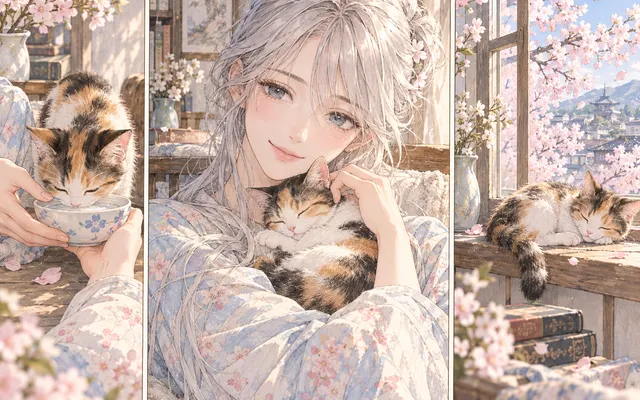
Coordinated, not random
Warm, cool and neutral choices are picked to sit together in one artwork.
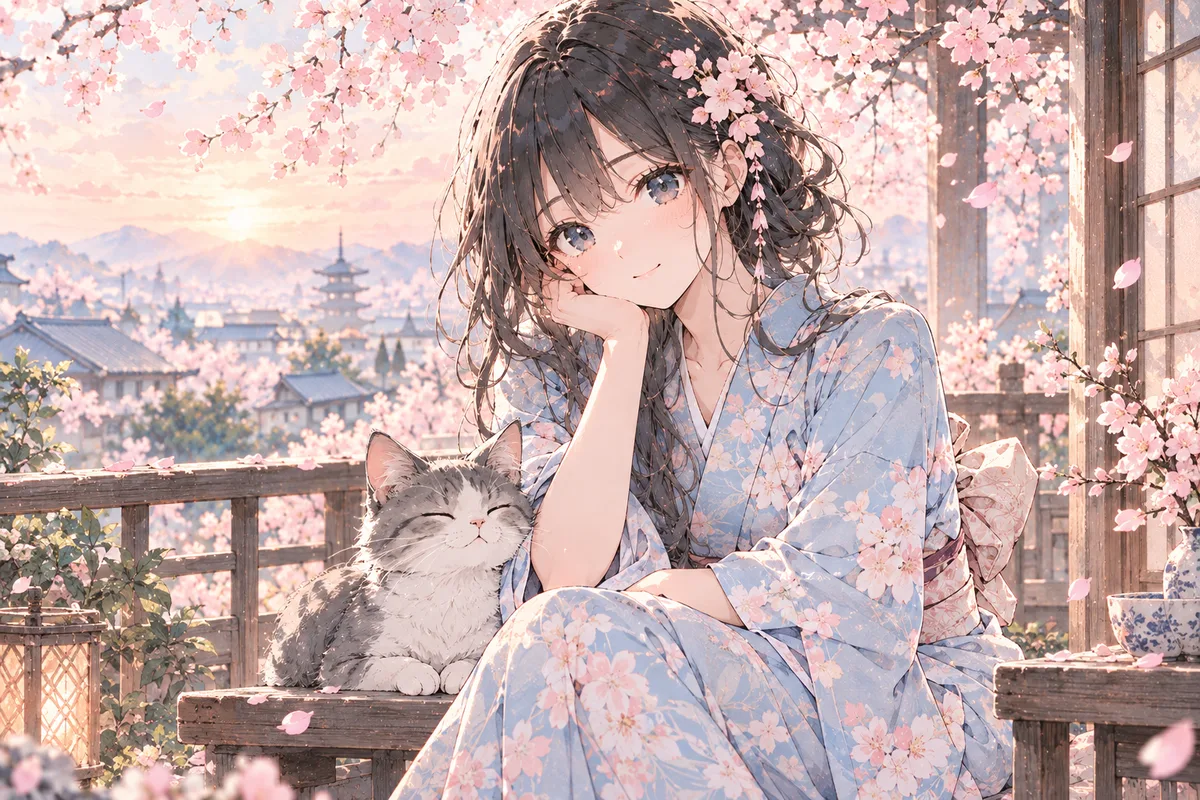
Manga coloring starts with a palette that fits the drawing. Upload one cover illustration, choose a style, and describe the character colors, background mood, and lighting. Use the generated color draft to judge the palette, then review the original lines before downloading or making manual corrections.
HOW IT WORKS
Manga coloring starts with a palette that fits the drawing. Upload one cover illustration, choose a style, and describe the character colors, background mood, and lighting. Use the generated color draft to judge the palette, then review the original lines before downloading or making manual corrections.
Sign in and upload one clear PNG, JPG, or WebP cover illustration that you own or have permission to edit. Keep its original line-art export.
Choose a style and describe the subject's colors, warm or cool lighting, and background mood. Check the credit cost before generating.
Generate a draft, compare its focal colors and line work with the source, then download it after review. Correct important details manually if needed.
HOW IT WORKS
Three steps towards a palette that holds together.
Collect two or three images with a similar mood and note which tones repeat. That turns the choice from arbitrary into deliberate.
Decide whether the scene is warm, cool or neutral, and where colour should be saturated versus restrained.
Go through the pages you produced and confirm the same tone does not drift orange on one page and pink on another.
IN PRACTICE
Sign in to generate. The tool uses credits; previewing this page is free.
Sign in and upload one clear PNG, JPG, or WebP cover illustration that you own or have permission to edit. Keep its original line-art export.
FEATURE HIGHLIGHTS
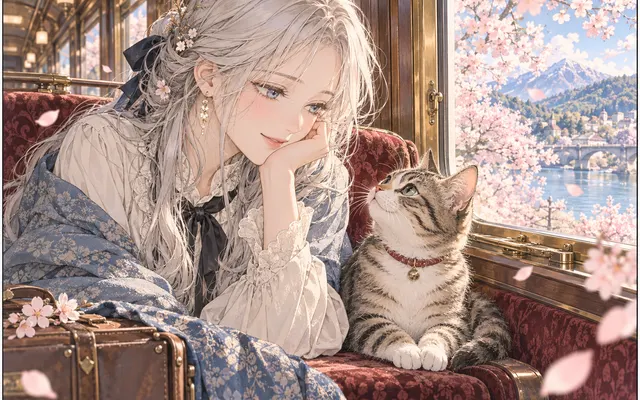
Use the palette workflow when covers, characters and backgrounds should share one look.
Warm, cool and neutral choices are picked to sit together in one artwork.
Reuse approved color notes on later artwork, then compare each result for unwanted shifts in character or background colors.
Compare the draft with your original yourself, particularly around faces, hands, fine lines, and cover lettering.
FEATURE HIGHLIGHTS
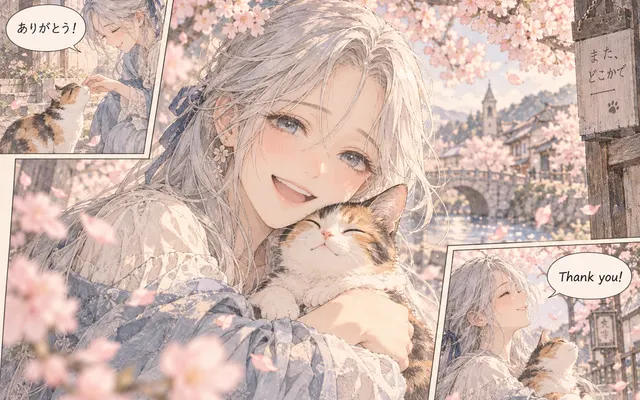
Explore a coordinated palette for manga cover artwork, characters and backgrounds.
Name the character colors that must remain recognizable and describe how the background should support them.
Check whether the palette supports the expression and makes the main subject readable without hiding fine ink lines.
Keep the accepted image and its color notes as a reference for later work. The download is a generated image, not a layered painting file.
CHECK BEFORE USE
Sign in to generate. The tool uses credits; previewing this page is free.
CHECK BEFORE USE
Upload a clear PNG, JPG or WebP image.
Start with the subject's approved hair, skin, and clothing colors. Choose a warm, cool, or neutral scene mood, then describe a restrained background palette that keeps the subject readable. Review the draft at full size before accepting it.
Faces, hands, ink contours, small accessories, and lettering can change during AI coloring. Compare the color draft with the original cover drawing before publication.
Choose a coloring style, then describe the main colors, lighting, and background mood in your notes. The notes guide a generated result; they do not create individually editable color layers.
Browsing examples is free. Signup trial credits are shown on Pricing with their allowance and expiry. Generating your own cover draft consumes the displayed credit cost; further credits are available through paid plans or credit packs.
Yes. Sign in to upload an image and generate a result.
Reuse your chosen style and written color notes, and compare each new result with the approved cover. The workflow does not enforce a locked palette automatically, so recurring character colors may require manual correction.
Review the downloaded image's pixel dimensions, ink lines, lettering, and color appearance before print preparation. AI generation is a draft step and does not certify print resolution, color profiles, or publishing rights.