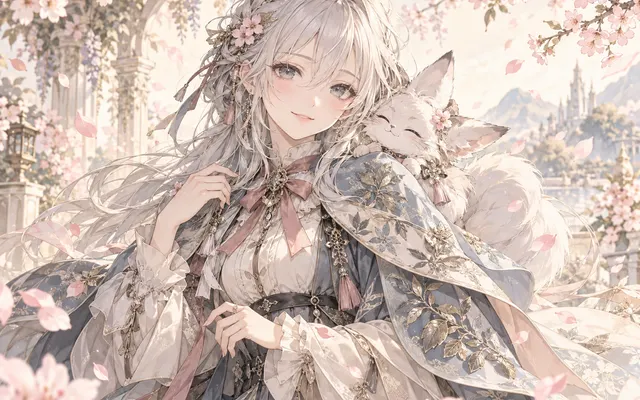
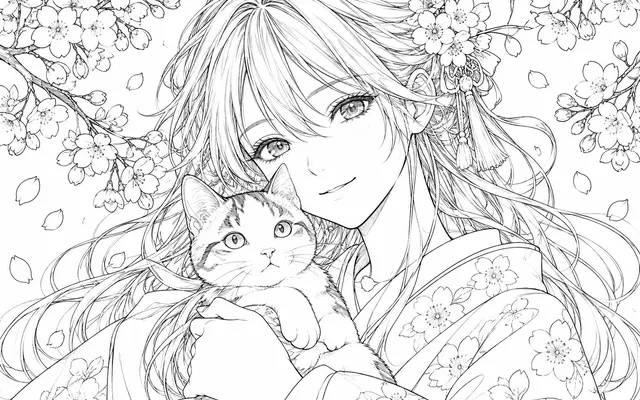
Empty balloons only
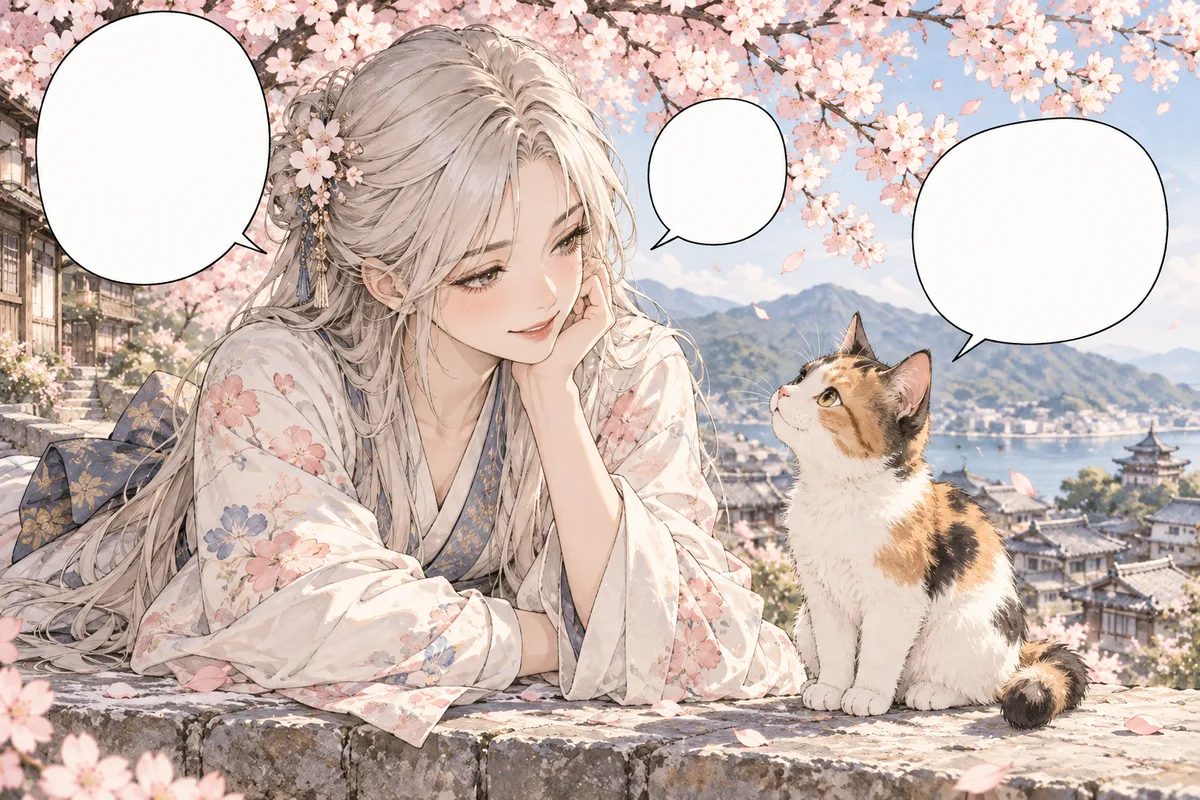
No dialogue is invented; the balloon is a container.
Add empty dialogue, thought or burst balloons to a manga panel, ready for lettering in your editor. State balloon positions, shapes and tail directions; leave them empty.
HOW IT WORKS
Add empty dialogue, thought or burst balloons to a manga panel, ready for lettering in your editor. State balloon positions, shapes and tail directions; leave them empty.
Keep the original reference and use artwork you own or have permission to edit. Add empty dialogue, thought or burst balloons to a manga panel, ready for lettering in your editor.
State balloon positions, shapes and tail directions; leave them empty.
State balloon positions, shapes and tail directions; leave them empty. Check the focal subject, small details and the requested layout at full size. Download a satisfactory result and finish any exact lettering or corrections in your image editor.
HOW IT WORKS
Three steps to place balloons before lettering.
Check whether the page reads right to left or the other way, then write it down explicitly.
Mark the empty areas where a balloon will not cover a face or an important detail.
Confirm every tail points at the speaking character's mouth and not at a different character.
IN PRACTICE
Sign in to generate. Generation uses credits; check the model and displayed price before submitting.
Keep the original reference and use artwork you own or have permission to edit. Add empty dialogue, thought or burst balloons to a manga panel, ready for lettering in your editor.
FEATURE HIGHLIGHTS
Use the bubble generator when a panel needs empty balloons placed for later lettering.
No dialogue is invented; the balloon is a container.
Placement follows the panel's natural reading direction.
Balloon pointers aim at the speaking character.
FEATURE HIGHLIGHTS
Add empty dialogue, thought or burst balloons to a manga panel, ready for lettering in your editor.
Add empty dialogue, thought or burst balloons to a manga panel, ready for lettering in your editor.
State balloon positions, shapes and tail directions; leave them empty.
State balloon positions, shapes and tail directions; leave them empty. Check the focal subject, small details and the requested layout at full size.
CHECK BEFORE USE
Sign in to generate. Generation uses credits; check the model and displayed price before submitting.
CHECK BEFORE USE
Keep the original reference and use artwork you own or have permission to edit.
State balloon positions, shapes and tail directions; leave them empty.
State balloon positions, shapes and tail directions; leave them empty. Check the focal subject, small details and the requested layout at full size.
The result is one raster image. Separate layers, editable vectors, transparent overlays and print-ready production files are not provided.
Sign in to generate. Generation uses credits; check the model and displayed price before submitting.
State balloon positions, shapes and tail directions; leave them empty. AI may alter details or miss instructions. Review the result before using it in a finished project.
The tool creates empty balloons; exact shapes and placement need review, and lettering belongs in your editor.
Download a satisfactory result and finish any exact lettering or corrections in your image editor.