Dot patterns stay regular
Pattern spacing is kept consistent rather than blurred.
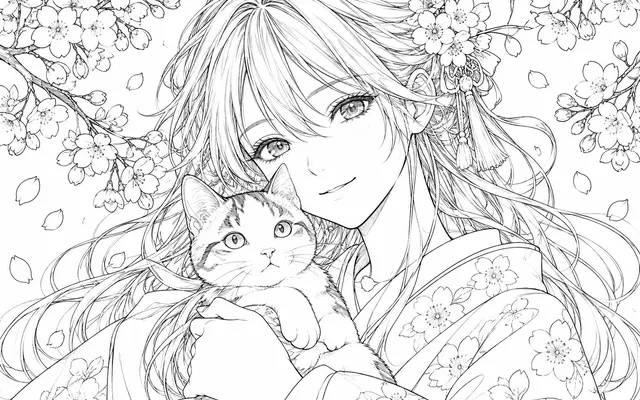
Add dot patterns, tone gradients or hatching to manga artwork to explore monochrome shading. Specify dot density, shadow areas and desired tonal contrast.
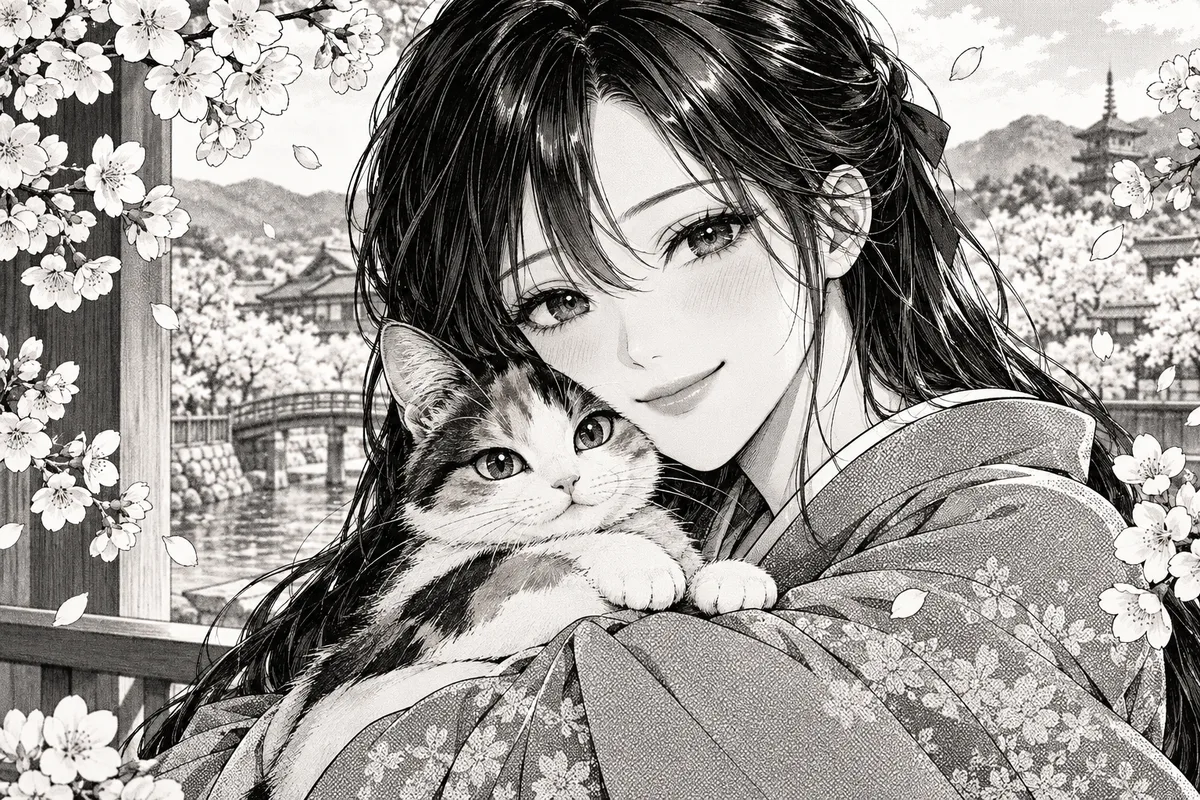
HOW IT WORKS
Add dot patterns, tone gradients or hatching to manga artwork to explore monochrome shading. Specify dot density, shadow areas and desired tonal contrast.
Keep the original reference and use artwork you own or have permission to edit. Add dot patterns, tone gradients or hatching to manga artwork to explore monochrome shading.
Specify dot density, shadow areas and desired tonal contrast.
Specify dot density, shadow areas and desired tonal contrast. Check the focal subject, small details and the requested layout at full size. Download a satisfactory result and finish any exact lettering or corrections in your image editor.
HOW IT WORKS
Three steps to tone that stays clean in print.
Decide whether the tone is sparse or dense, and whether it is destined for print or for screen.
Check the tone does not touch important contours but stops short of them.
View the result at the intended print size; patterns that look clean on screen can turn grey on paper.
IN PRACTICE
Sign in to generate. Generation uses credits; check the model and displayed price before submitting.
Keep the original reference and use artwork you own or have permission to edit. Add dot patterns, tone gradients or hatching to manga artwork to explore monochrome shading.
FEATURE HIGHLIGHTS
Use the screentone generator when halftone patterns must survive print.
Pattern spacing is kept consistent rather than blurred.
Tone does not bleed into ink contours.
Tones are reviewed at the intended reproduction size.
FEATURE HIGHLIGHTS
Add dot patterns, tone gradients or hatching to manga artwork to explore monochrome shading.
Add dot patterns, tone gradients or hatching to manga artwork to explore monochrome shading.
Specify dot density, shadow areas and desired tonal contrast.
Specify dot density, shadow areas and desired tonal contrast. Check the focal subject, small details and the requested layout at full size.
CHECK BEFORE USE
Sign in to generate. Generation uses credits; check the model and displayed price before submitting.
CHECK BEFORE USE
Keep the original reference and use artwork you own or have permission to edit.
Specify dot density, shadow areas and desired tonal contrast.
Specify dot density, shadow areas and desired tonal contrast. Check the focal subject, small details and the requested layout at full size.
The result is one raster image. Separate layers, editable vectors, transparent overlays and print-ready production files are not provided.
Sign in to generate. Generation uses credits; check the model and displayed price before submitting.
Specify dot density, shadow areas and desired tonal contrast. AI may alter details or miss instructions. Review the result before using it in a finished project.
Generated dot patterns are not calibrated to a fixed print LPI and can create moiré when resized.
Download a satisfactory result and finish any exact lettering or corrections in your image editor.