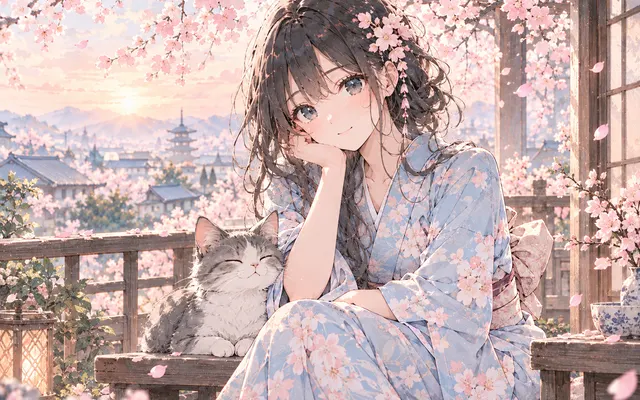
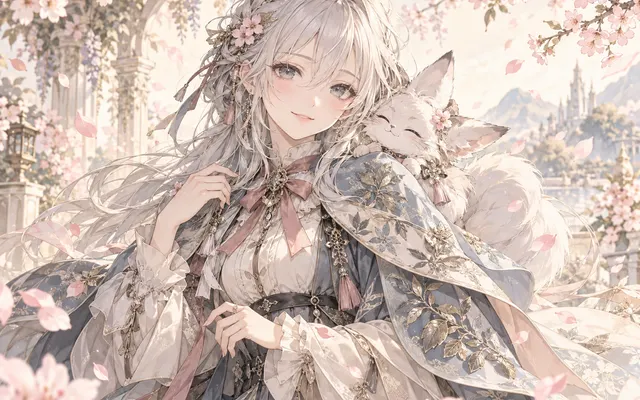
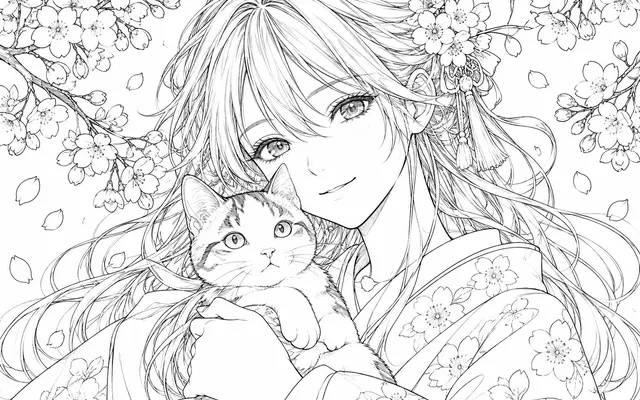
Silhouette first
The composition is built to survive shrinking.
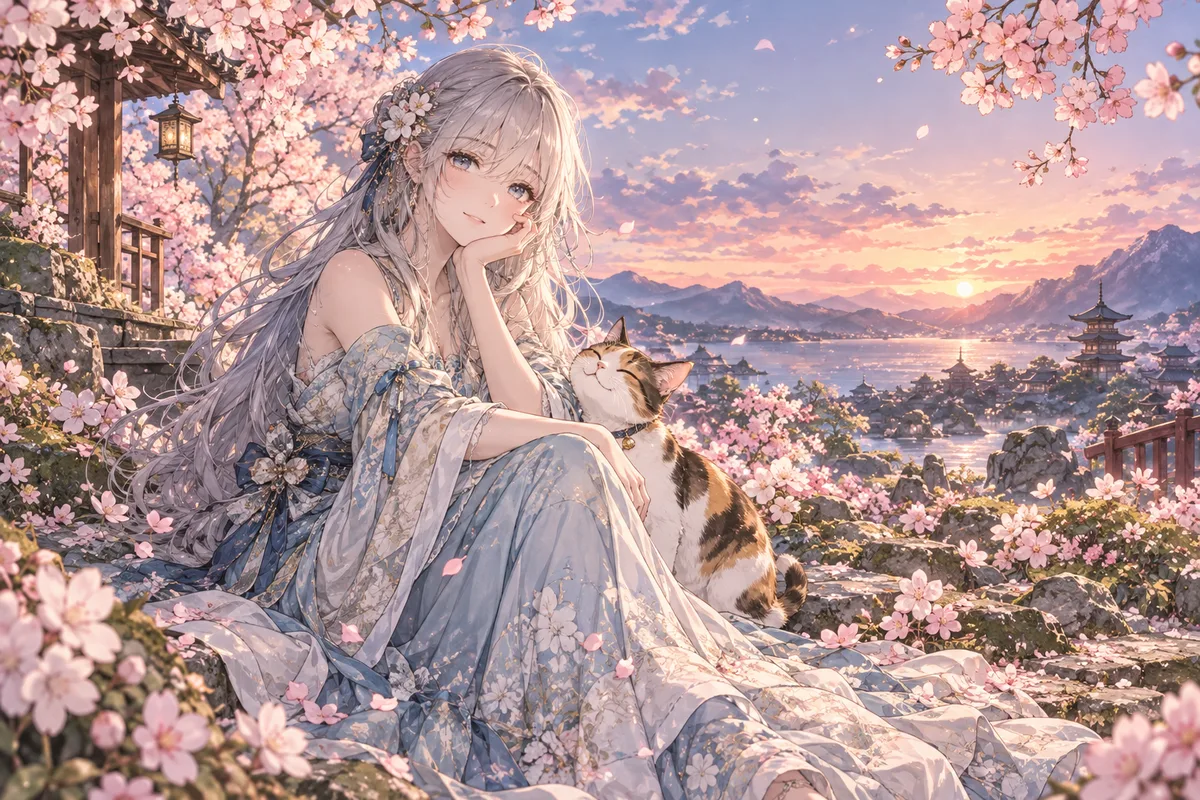
Describe a story, main character and mood to create an original manga cover illustration without lettering. Describe the focal character, setting, mood and space for later lettering.
HOW IT WORKS
Describe a story, main character and mood to create an original manga cover illustration without lettering. Describe the focal character, setting, mood and space for later lettering.
Start with a short original description. No reference upload is needed in text mode. Describe a story, main character and mood to create an original manga cover illustration without lettering.
Describe the focal character, setting, mood and space for later lettering.
Describe the focal character, setting, mood and space for later lettering. Check the focal subject, small details and the requested layout at full size. Download a satisfactory result and finish any exact lettering or corrections in your image editor.
HOW IT WORKS
Three steps to a cover that still reads as a thumbnail.
Pick a single character or object as the spine of the cover. Several subjects merge once shrunk.
Leave empty space for the title and author name, and state which part must stay visible.
Shrink the result to 200 pixels wide and check whether the focal subject is still distinguishable.
IN PRACTICE
Sign in to generate. Generation uses credits; check the model and displayed price before submitting.
Start with a short original description. No reference upload is needed in text mode. Describe a story, main character and mood to create an original manga cover illustration without lettering.
FEATURE HIGHLIGHTS
Use the cover generator when the artwork must still read at thumbnail size.
The composition is built to survive shrinking.
Room for lettering is left instead of covered.
A single subject avoids a crowded cover.
FEATURE HIGHLIGHTS
Describe a story, main character and mood to create an original manga cover illustration without lettering.
Describe a story, main character and mood to create an original manga cover illustration without lettering.
Describe the focal character, setting, mood and space for later lettering.
Describe the focal character, setting, mood and space for later lettering. Check the focal subject, small details and the requested layout at full size.
CHECK BEFORE USE
Sign in to generate. Generation uses credits; check the model and displayed price before submitting.
CHECK BEFORE USE
Start with a short original description. No reference upload is needed in text mode.
Describe the focal character, setting, mood and space for later lettering.
Describe the focal character, setting, mood and space for later lettering. Check the focal subject, small details and the requested layout at full size.
The result is one raster image. Separate layers, editable vectors, transparent overlays and print-ready production files are not provided.
Sign in to generate. Generation uses credits; check the model and displayed price before submitting.
Describe the focal character, setting, mood and space for later lettering. AI may alter details or miss instructions. Review the result before using it in a finished project.
The illustration excludes lettering and publisher marks; trim, bleed and print layout must be prepared separately.
Download a satisfactory result and finish any exact lettering or corrections in your image editor.