How to Choose an AI Manga Colorizer in 2026: Free Trial, Credits & Line Preservation
The best AI manga colorizer for your project depends on whether you need fast page-by-page exploration in a browser, deterministic layer editing for a serialized chapter, or open-source local control over reference points. No single workflow wins every criterion: online colorizers prioritize setup-free speed, manual editors prioritize exact layer control, and local research pipelines require GPU setup and parameter tuning.
This guide compares the four main ways creators color black-and-white manga in 2026, explains what to verify around free previews vs. credit usage, and provides a practical checklist before committing a chapter to any tool.
Quick comparison of manga coloring workflows
| Approach | Setup & Access | Free / Cost Structure | Line Art & Screentones | Cross-Page Consistency | Best For |
|---|---|---|---|---|---|
| Browser AI Manga Colorizer (e.g., Manga Coloring) | Web browser; no local GPU | Browse examples free; signup trial credits + paid plans/packs | Preserves clear ink with prompt direction; requires 100% zoom review | Reused style + palette notes; manual review per page | Single pages, panels, covers, fast palette tests |
| Manual Digital Painting (layered editors) | Desktop/tablet app | Software license or free OSS | Full ink-layer separation; deterministic | Highest via locked swatches & templates | Serialized chapters and strict print control |
| Open-Source Research Models | Local Python / GPU setup | Free software; local hardware cost | Strong reference research (e.g., MangaNinja, Cobra) | Multi-reference or point hints when configured locally | Technical users and custom local pipelines |
| Hybrid (AI Draft + Manual Edit) | Browser AI + desktop editor | Trial/paid credits + editor | AI generates base mood; artist restores fine ink & lettering | High when human edits lock canonical colors | Creators wanting draft speed with final accuracy |
1. Browser-based AI manga colorizers: speed and limits
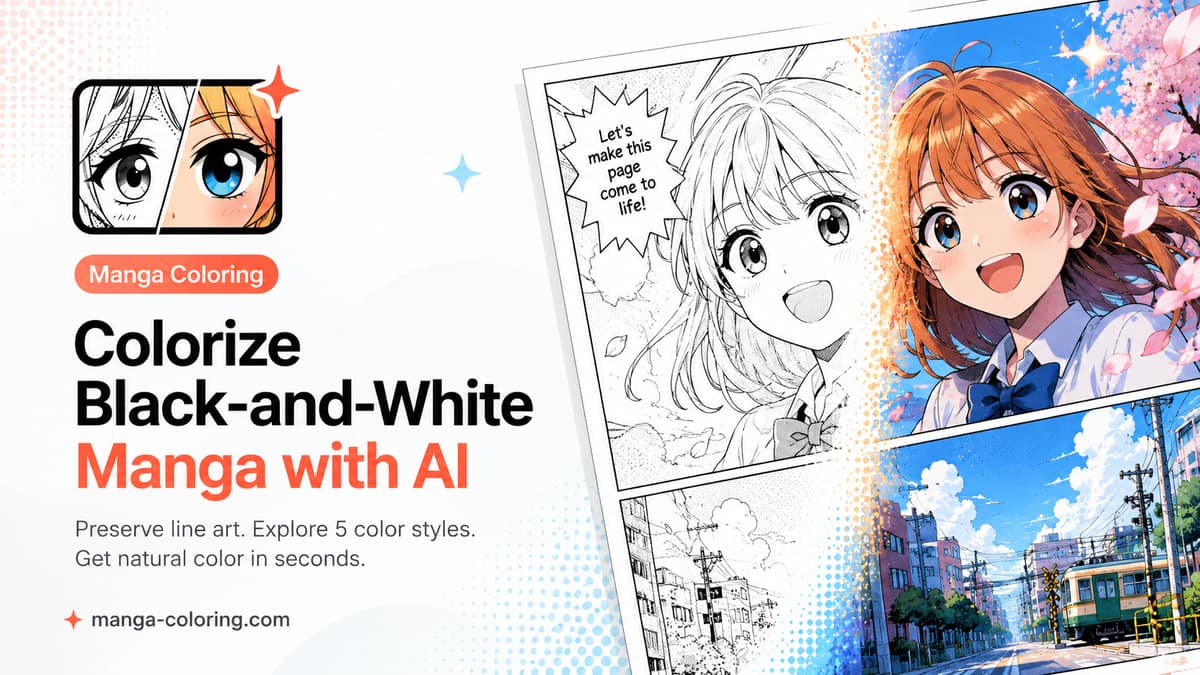
Online tools such as AI Manga Colorizer and Manga Colorizer Online remove local installation and let you upload a PNG, JPG, or WEBP page directly.
Pros:
- Immediate access from desktop or mobile without managing weights or GPUs.
- Built-in presets for cel shading, watercolor, or line-preserving palettes.
- Useful companion tools in one place when a scan needs cleanup via Manga Cleaner or text preparation before coloring.
Cons and realistic boundaries:
- Generations are processed page by page rather than automatic whole-chapter batching.
- Character hair, eye, and outfit colors are not automatically locked across separate pages; you should reuse consistent style and palette notes and inspect each draft.
- Fine screentone dots, hands, and small speech-bubble lettering can shift, so side-by-side comparison at 100% zoom is essential.
2. Understanding "free" vs. credit-based pricing
Many creators search for a free AI manga colorizer without watermarks, so it helps to separate three distinct things before uploading artwork:
- Free browsing and previewing: Reading guides, checking AI manga coloring examples, and inspecting style presets on tool pages are free.
- Signup trial credits: Signed-in accounts on Manga Coloring receive limited trial credits (check Pricing for the current trial allowance and expiration window) so you can test real outputs on your own page before purchasing.
- Ongoing production: Paid monthly/annual plans and non-expiring one-time credit packs cover larger page counts and higher-resolution workflows.
Always check the displayed credit cost before submitting a generation, and download your reviewed color draft alongside your untouched original scan.
3. Research benchmarks vs. production tools
Academic papers such as MangaNinja (arXiv:2501.08332) (point-driven reference matching) and Cobra (arXiv:2504.12240) (broad multi-reference line art colorization) show rapid progress in automated character consistency. However, research demos often assume curated preprocessing or dedicated VRAM, whereas production web workflows focus on predictable single-page uploads, clear credit accounting, and reviewable downloads.
If you are coloring a multi-page chapter today, the most reliable workflow combines a page-by-page AI colorizer for base lighting and mood with manual spot fixes in your preferred image editor.
4. Five-point selection checklist
Before choosing a tool for a project, test one representative page containing dialogue, faces, clothing, and a background:
- Ink survival: Do thin facial lines and panel gutters remain crisp when viewed in grayscale?
- Lettering readability: Does speech-bubble text stay intact without invented strokes?
- Screentone control: Does the tool avoid turning halftone dots into muddy noise?
- Transparent pricing: Are trial credit limits, expiration rules, and pack costs clear on Pricing?
- Output verification: Can you download the image and inspect its actual pixel dimensions before print or web publication?
Frequently asked questions
Is there a completely free AI manga colorizer with unlimited pages?
Most hosted AI image models incur compute costs per generation. On Manga Coloring, browsing examples and style guides is free, new accounts receive signup trial credits, and ongoing generations use account credits shown before submission.
Should I use an AI colorizer or manual coloring for a whole manga chapter?
For strict canonical color continuity across dozens of pages, manual digital coloring or a hybrid workflow (AI draft followed by manual layer adjustments) is safer than relying on fully automatic single-page AI inference. See AI Manga Coloring vs Manual Digital Coloring for a detailed breakdown.
Can I upload a PDF of a manga chapter directly?
No. Export PDF pages as clean PNG, JPG, or WEBP images first, and color one page at a time so you can verify line art, lettering, and screentones against each original scan.