A manga translator extension can be convenient when you want translated text beside a page in your browser. A page-upload tool serves a different workflow: you provide an image, choose the translation task and review the returned page. Manga Coloring provides an upload-based Manga Translator; this guide does not claim that it installs a browser extension.
Start with the task, not the installation
For personal reading, you may prefer an overlay that keeps the original image available. For preparing a page you are authorized to edit, you may need a saved output that you can proofread and letter manually. Write down which result you need before choosing a tool.
Check an extension's current store listing, requested permissions and privacy policy before installation. Do not assume that two extensions with similar names share the same publisher. An upload tool also deserves a privacy check: only submit images you are comfortable sending to that service.
Prepare a page that can actually be read
Use an image with complete balloon edges and readable characters. A long screenshot that squeezes several pages into one image makes small text difficult to recognize. If necessary, create one-page copies while retaining the untouched original and the correct page order.
Avoid aggressive cleanup before translation. Removing small marks can erase punctuation, accent marks or parts of Japanese characters. Check whether the source words are legible before asking the model to interpret them.
Test a short exchange first
Choose a page with two speakers and a clear sequence of balloons. In the upload workflow, select the available target-language setting or state the language in the prompt if supported. For example: “Translate the dialogue into English. Keep names consistent and preserve the panel layout. Do not add dialogue where the source is unclear.”
Keep a separate note with each character's name, preferred spelling and form of address. A three-line glossary can prevent a name from changing across a chapter, but it is still your responsibility to check the output.
Review meaning and layout separately
First read the translated conversation without looking at the artwork: do pronouns and speaker turns make sense? Then compare each translated bubble with the source. Look for a skipped bubble, a sound effect interpreted as dialogue or a sentence assigned to the wrong speaker.
Finally inspect the image at reading size. A correct sentence may be too long for its balloon. Shorten or re-letter it in an editor rather than accepting tiny text solely because it fits. Preserve a copy of the initial translation so you can trace editorial changes.
Can either option replace proofreading?
No. An extension and a page-upload model can both struggle with stylized handwriting, jokes and context from earlier pages. Use automation for a first draft, keep uncertain phrases marked for review, and publish only material you have permission to translate and share.
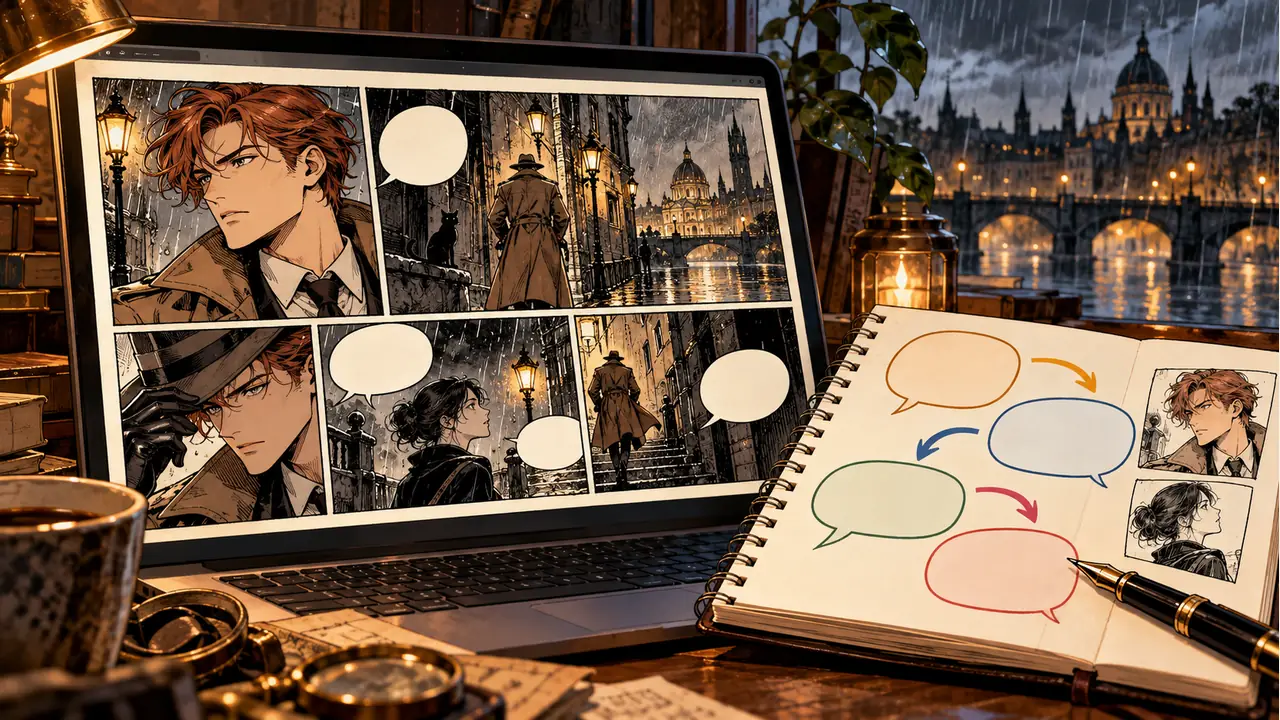
Cover: original AI-generated conceptual artwork; no extension interface or product output is depicted.