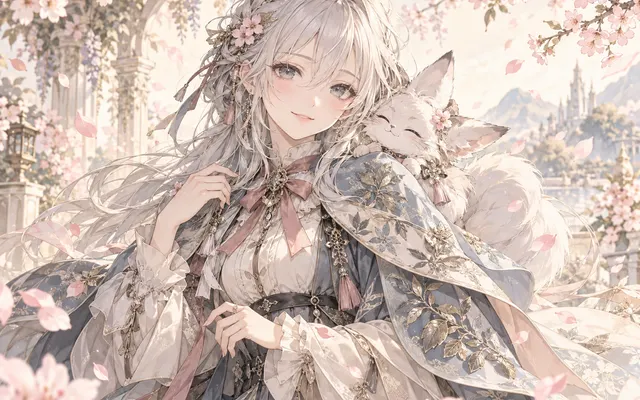
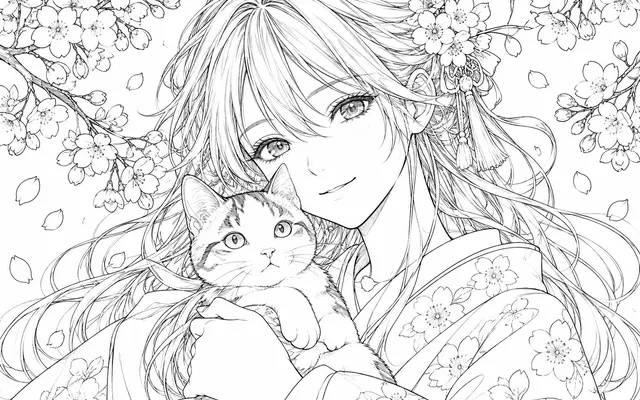
Eyes, brows and mouth together
The emotion is coordinated across the features that carry it.
Upload an anime portrait and change its emotion through a coordinated expression in the eyes, eyebrows and mouth. Name the emotion and its intensity; describe eye and mouth changes.

HOW IT WORKS
Upload an anime portrait and change its emotion through a coordinated expression in the eyes, eyebrows and mouth. Name the emotion and its intensity; describe eye and mouth changes.
Keep the original reference and use artwork you own or have permission to edit. Upload an anime portrait and change its emotion through a coordinated expression in the eyes, eyebrows and mouth.
Name the emotion and its intensity; describe eye and mouth changes.
Name the emotion and its intensity; describe eye and mouth changes. Check the focal subject, small details and the requested layout at full size. Download a satisfactory result and finish any exact lettering or corrections in your image editor.
HOW IT WORKS
Three steps to change the emotion, not the character.
Confirm the face is visible and no hair is covering the eyes.
Write which expression you want and how intense; "angry" alone usually comes back exaggerated.
Compare hair, costume and background against the source and confirm they stayed put.
IN PRACTICE
Sign in to generate. Generation uses credits; check the model and displayed price before submitting.
Keep the original reference and use artwork you own or have permission to edit. Upload an anime portrait and change its emotion through a coordinated expression in the eyes, eyebrows and mouth.
FEATURE HIGHLIGHTS
Use the expression changer when a portrait needs a different emotion and nothing else.
The emotion is coordinated across the features that carry it.
Hair, costume, pose, lighting and background stay as they were.
Naming the strength of the emotion avoids an exaggerated result.
FEATURE HIGHLIGHTS
Upload an anime portrait and change its emotion through a coordinated expression in the eyes, eyebrows and mouth.
Upload an anime portrait and change its emotion through a coordinated expression in the eyes, eyebrows and mouth.
Name the emotion and its intensity; describe eye and mouth changes.
Name the emotion and its intensity; describe eye and mouth changes. Check the focal subject, small details and the requested layout at full size.
CHECK BEFORE USE
Sign in to generate. Generation uses credits; check the model and displayed price before submitting.
CHECK BEFORE USE
Keep the original reference and use artwork you own or have permission to edit.
Name the emotion and its intensity; describe eye and mouth changes.
Name the emotion and its intensity; describe eye and mouth changes. Check the focal subject, small details and the requested layout at full size.
The result is one raster image. Separate layers, editable vectors, transparent overlays and print-ready production files are not provided.
Sign in to generate. Generation uses credits; check the model and displayed price before submitting.
Name the emotion and its intensity; describe eye and mouth changes. AI may alter details or miss instructions. Review the result before using it in a finished project.
Editing an expression can also change nearby hair, skin shading or background detail.
Download a satisfactory result and finish any exact lettering or corrections in your image editor.