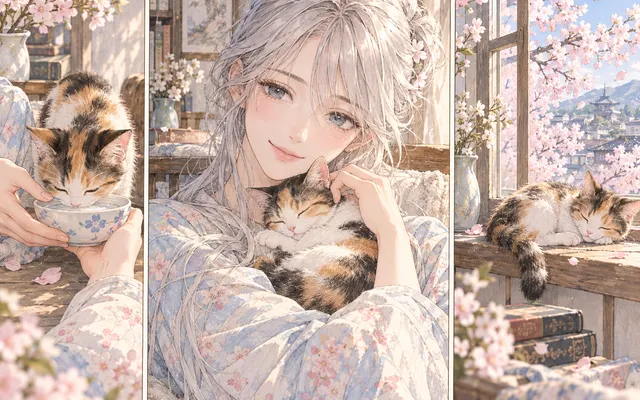
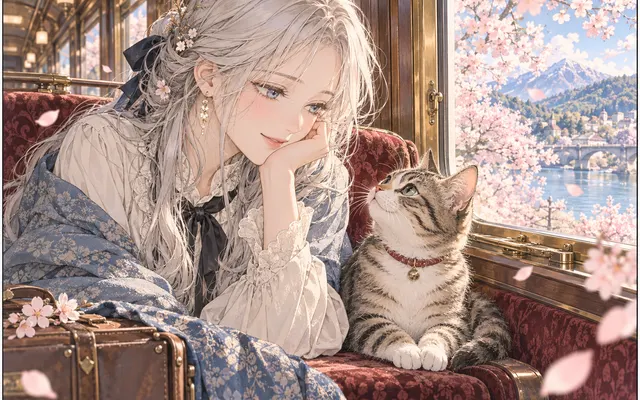
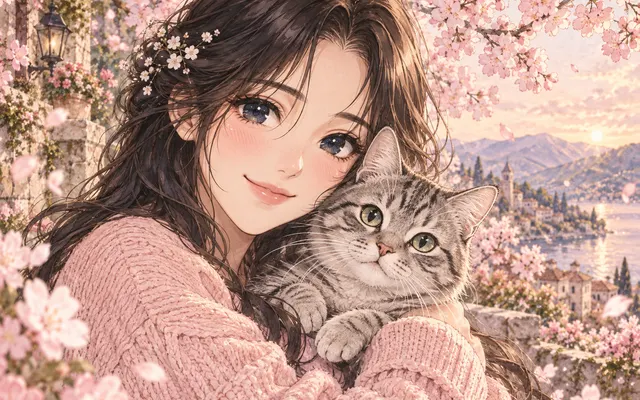
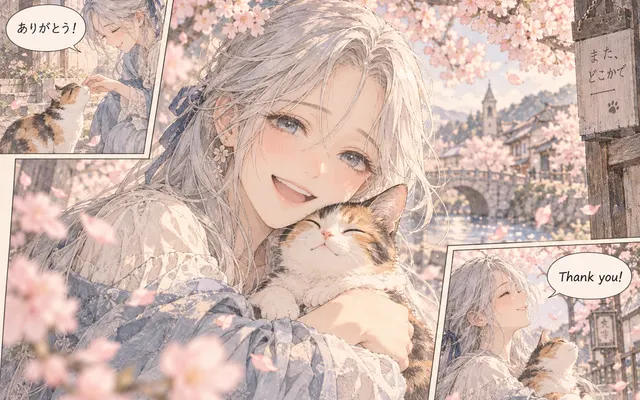
Pose and expression hold
The character's stance and face stay as they were drawn.
Add color to monochrome anime drawings while retaining the pose, facial expression and outline. Keep the original image for comparison.
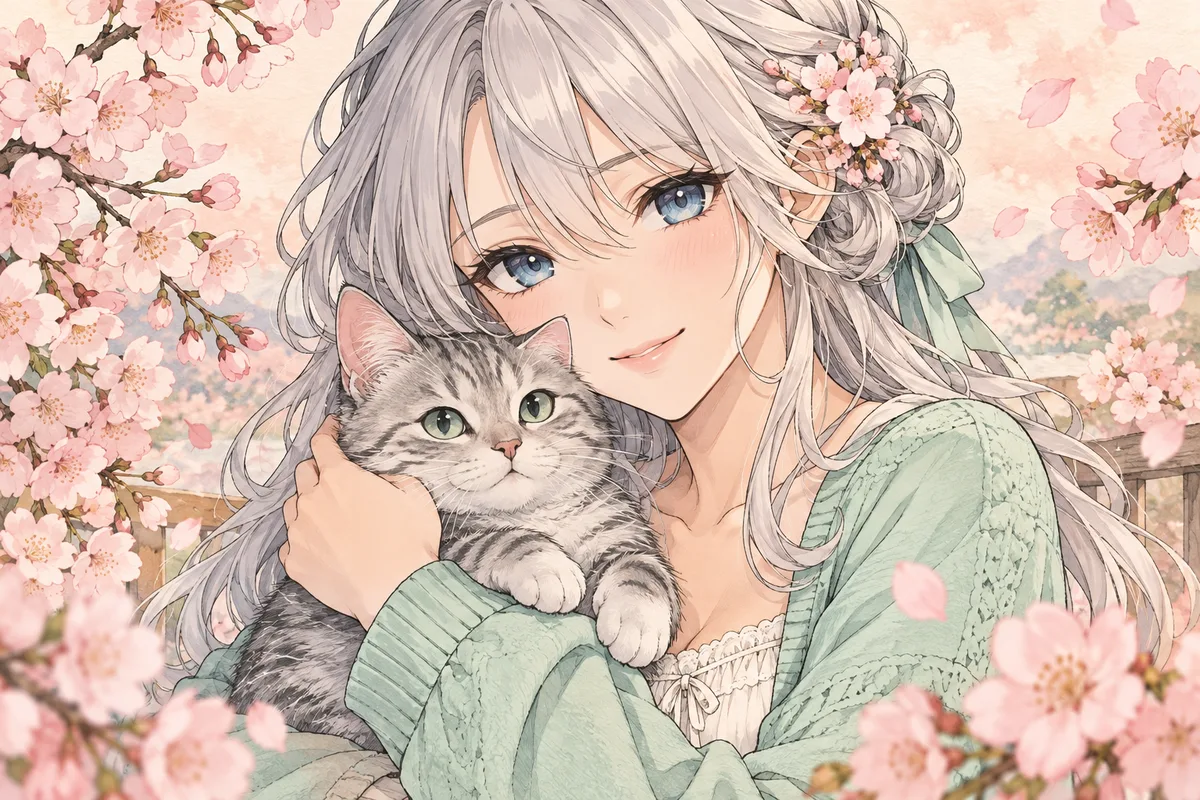
HOW IT WORKS
Add color to monochrome anime drawings while retaining the pose, facial expression and outline. Keep the original image for comparison.
Add color to monochrome anime drawings while retaining the pose, facial expression and outline. Use a clear PNG, JPG or WebP image you own or have permission to edit.
Add color to monochrome anime drawings while retaining the pose, facial expression and outline. Keep the original image for comparison.
Add color to monochrome anime drawings while retaining the pose, facial expression and outline. Inspect the result before downloading. AI can change fine details.
HOW IT WORKS
Three steps to colour line art without damaging the drawing.
Make sure the lines are continuous and the background is free of noise. A broken line can be read as a separate edge.
Decide between flat colour and shaded colour, and state where the boundary between light and shadow falls.
Zoom into the face and hands; colour mistakes show up there first.
IN PRACTICE
Sign in to generate. The tool uses credits; previewing this page is free.
Add color to monochrome anime drawings while retaining the pose, facial expression and outline. Use a clear PNG, JPG or WebP image you own or have permission to edit.
FEATURE HIGHLIGHTS
Use the anime colorizer when a monochrome drawing should keep its pose and outline.
The character's stance and face stay as they were drawn.
Contours are preserved rather than repainted.
Restrained cel shading suits line art without over-rendering it.
FEATURE HIGHLIGHTS
Add color to monochrome anime drawings while retaining the pose, facial expression and outline.
Add color to monochrome anime drawings while retaining the pose, facial expression and outline.
Inspect the result before downloading. AI can change fine details.
Keep the original image for comparison.
CHECK BEFORE USE
Sign in to generate. The tool uses credits; previewing this page is free.
CHECK BEFORE USE
Upload a clear PNG, JPG or WebP image.
Add color to monochrome anime drawings while retaining the pose, facial expression and outline.
No. Inspect faces, hands, ink contours and lettering after generation.
For coloring, choose a style in the generator. For conversion, describe the visual treatment in the prompt.
Browsing and previewing examples is free. Generation uses account credits; check the displayed cost before submitting.
Yes. Sign in to upload an image and generate a result.
No. Export PDF pages as images first, then upload the images.
Compare the result with the source, especially expressions, text and small accessories.